Application Description
Design vector graphics online using intelligent design tools.
Searching for the top vector graphic design app on Android? Your search ends here.
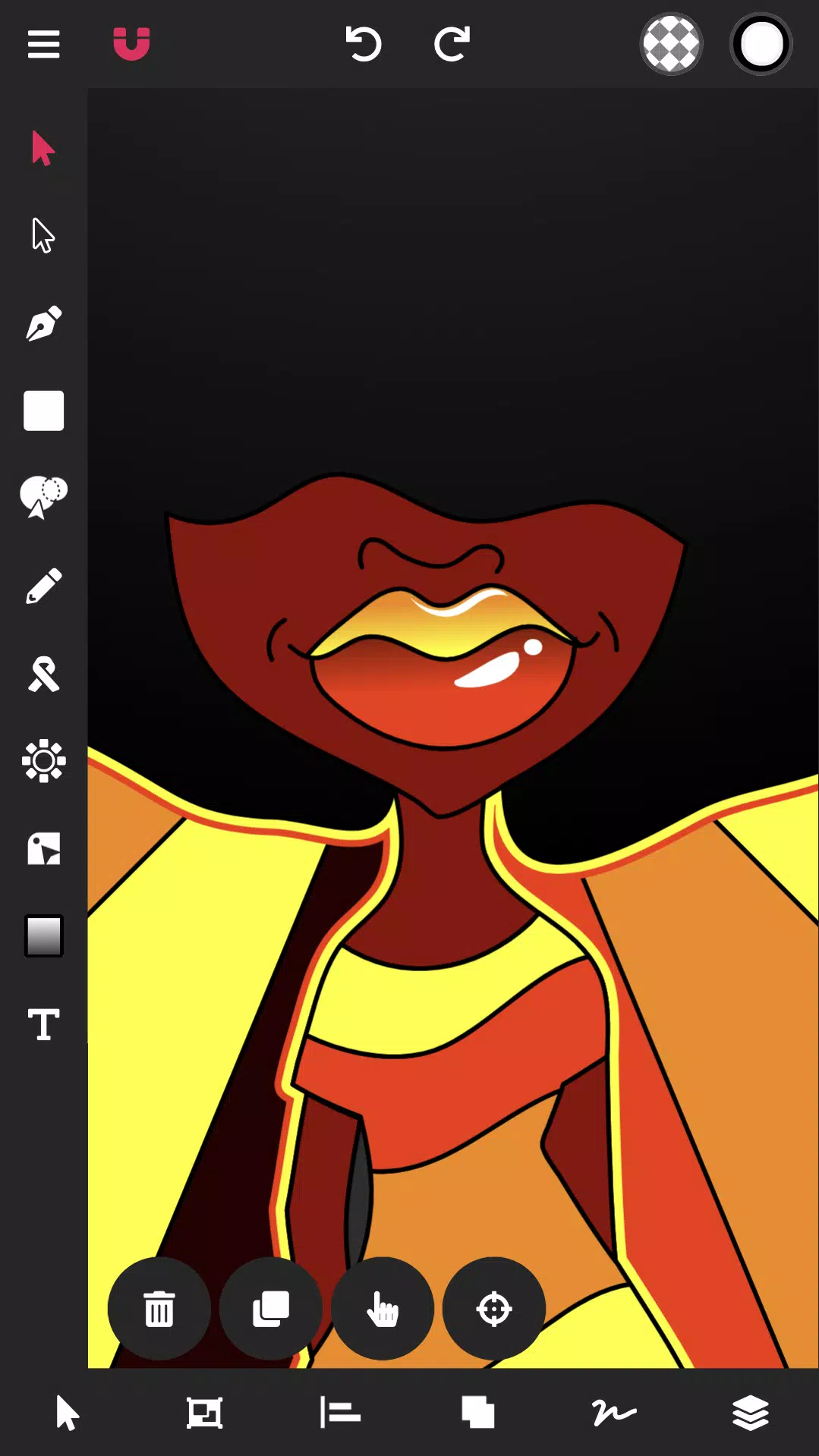
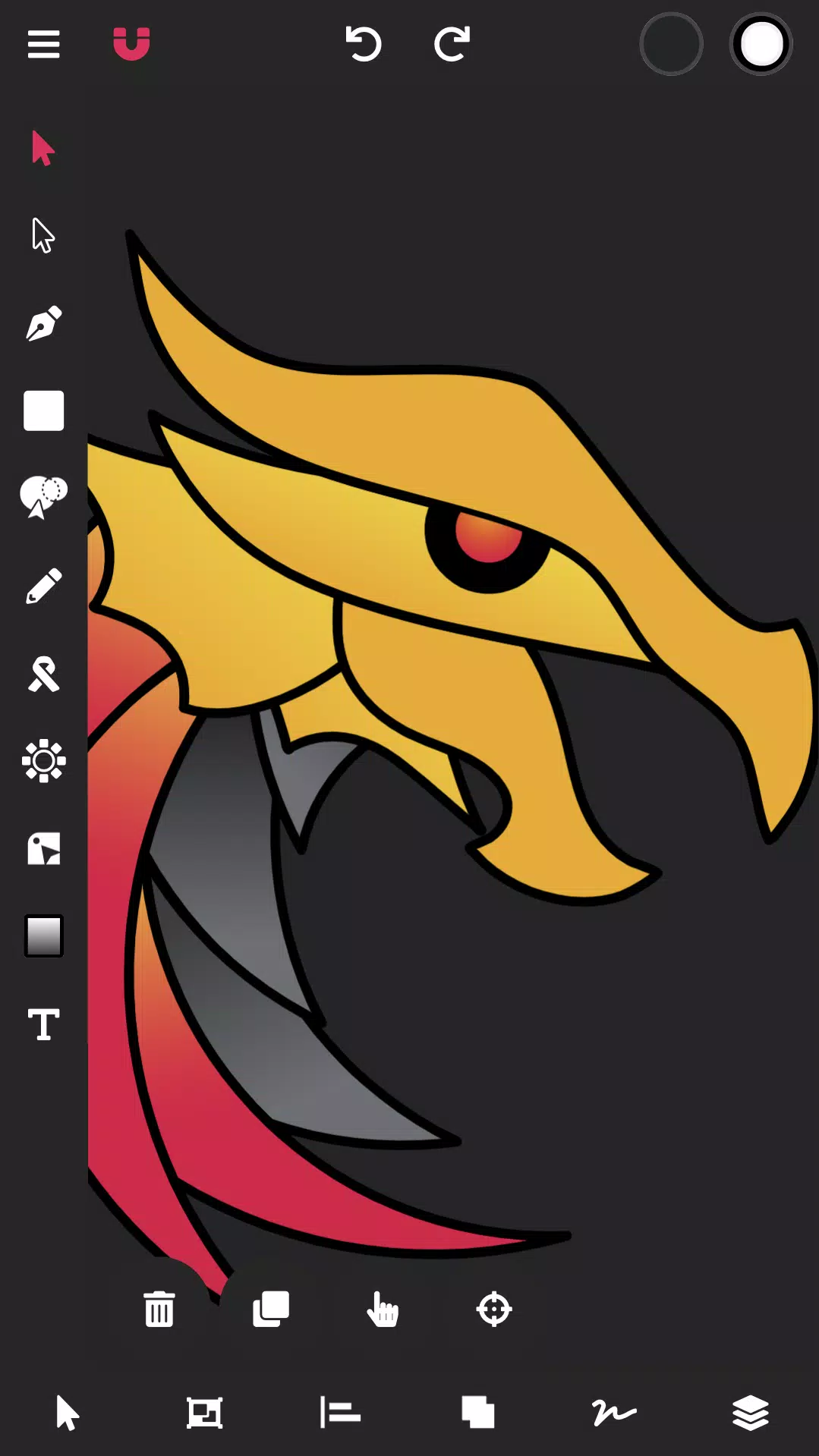
Vector Ink simplifies your entire vector graphic design workflow.
Vector Ink is perfect for graphic design, logo creation, illustration, character design, vector tracing, and designing business cards, flyers, posters, and more!
Vector Ink provides smart vector graphic design tools that push creative boundaries, enabling anyone to bring their creative ideas to life.
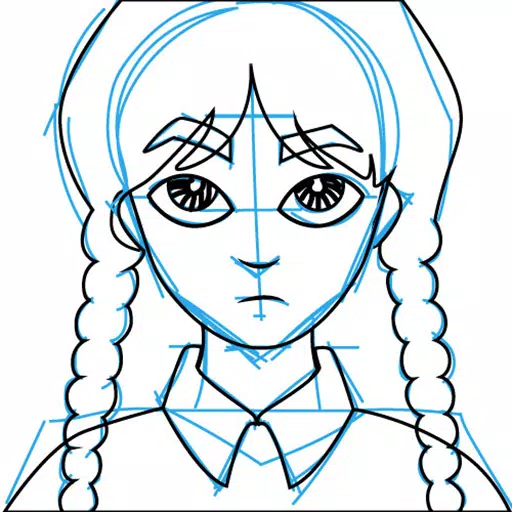
Draw with stroke stabilizers to guide your freehand lines. The Draw Tool automatically connects to the nearest open path, so you can lift your stylus and continue drawing without manually merging lines.
Don't have a stylus? Vector Ink features built-in virtual stylus technology, allowing you to draw with your finger and see your work clearly, no physical stylus required.
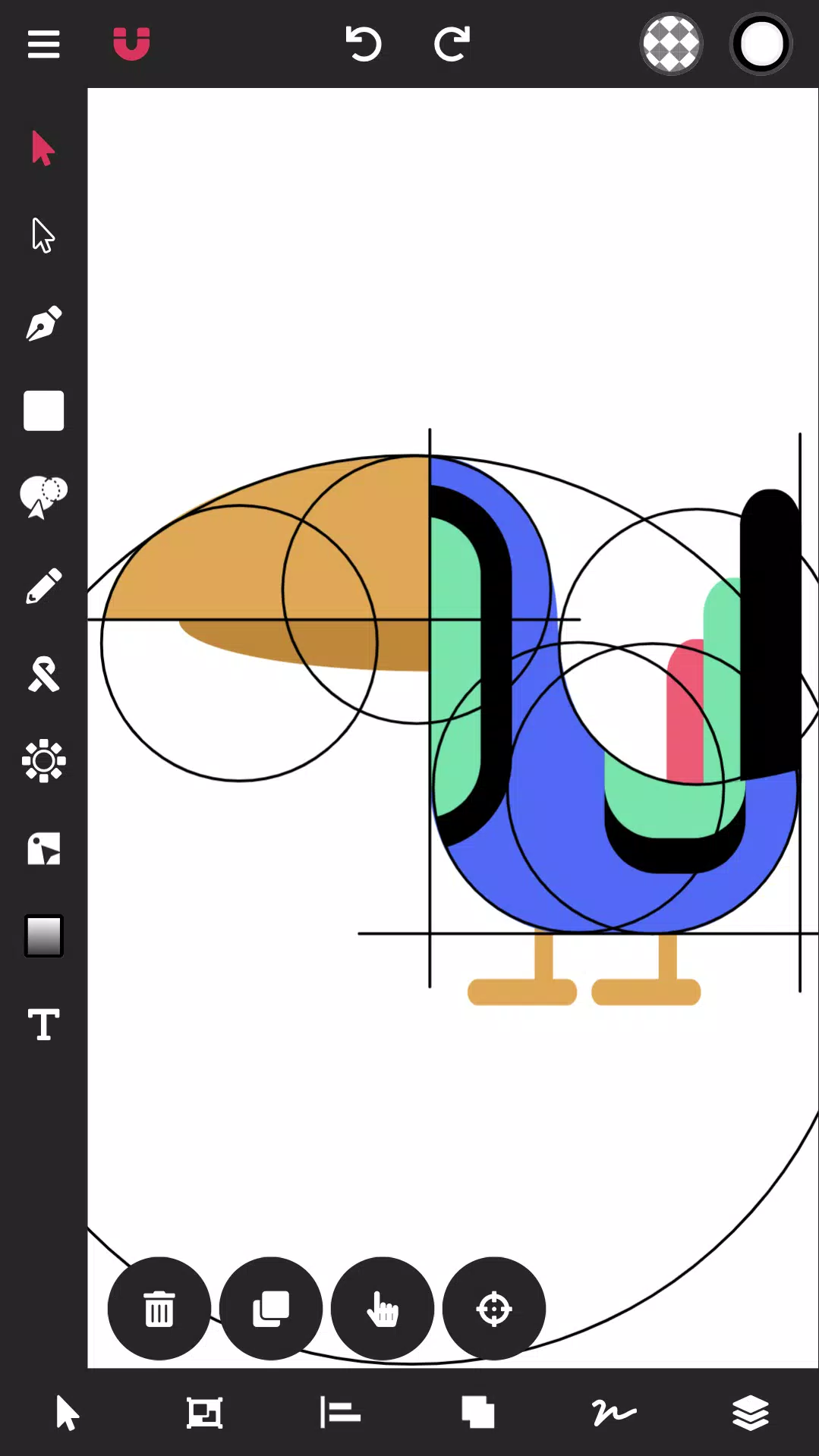
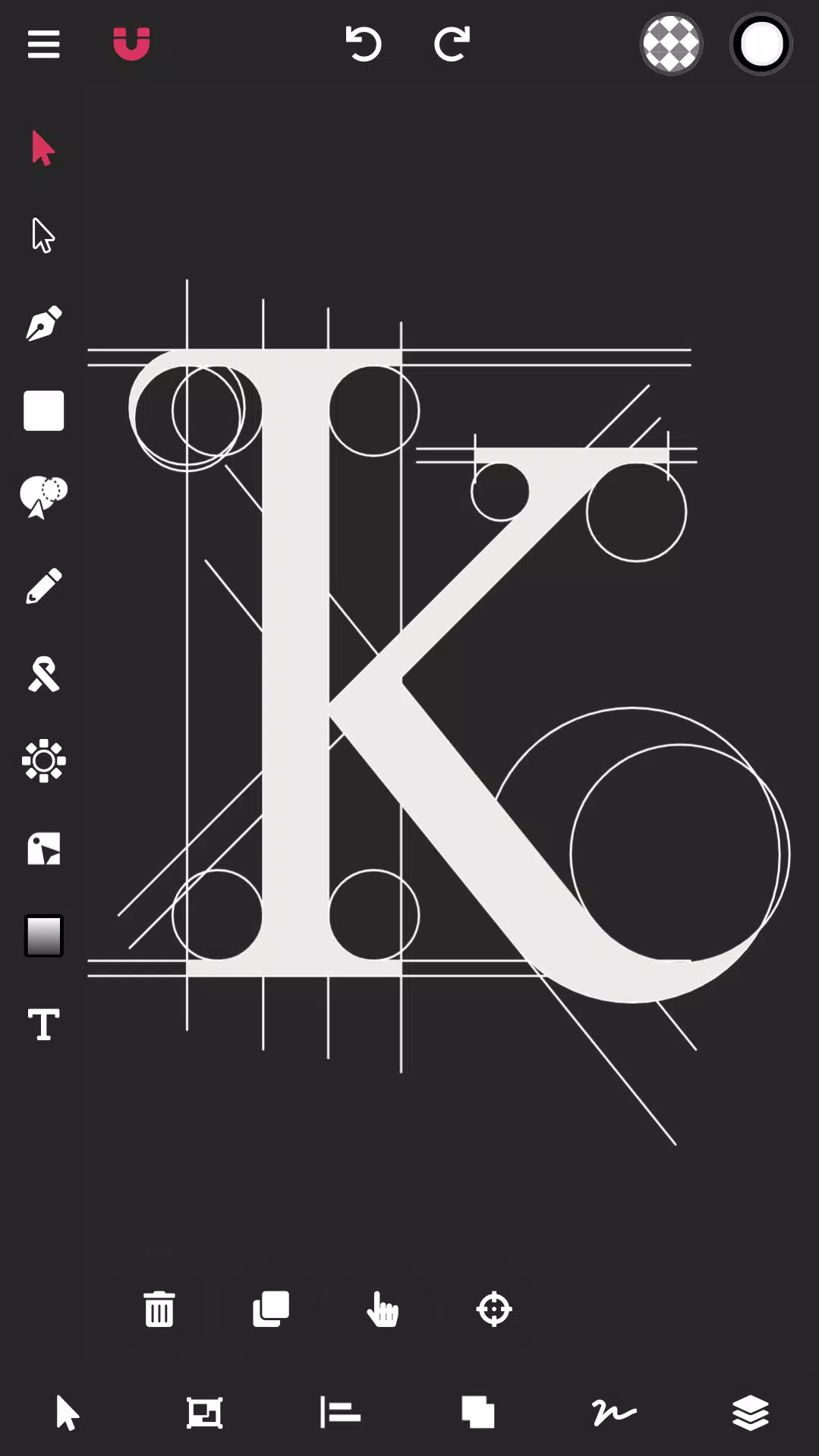
With Vector Ink, a logo designer can import a paper sketch or artwork, trace it using the Path Builder Tool, and export a professional, geometrically precise vector logo.
Creating art with vector design software should be simple, but often it isn't. Many times you struggle for hours with a pen tool to get the design just right, or take shortcuts to mimic a perfect shape. Those days are over. Vector Ink offers a smart Path Builder Tool that merges and builds your desired shape with perfect precision and minimal effort.
Bring your shapes to life with our color tools. Vector Ink offers linear and radial gradients, multiple color picker types, and an advanced palette editor so you can create, manage, and save custom color palettes for future projects.
Features:
Built-in Digital Stylus
Draw Tool
Path Builder Tool
Distribute Tool
Pen Tool
Gradient Tool
Corner Tool
Ribbon Tool
Rectangle Tool
Circle Tool
Star Tool
Polygon Tool
Path controls
Boolean controls
Cut and join paths
Stroke sizes and stroke caps
Convert stroke to path
Outline Text (text to path)
Import Custom Fonts
PNG & JPG Import & Export
SVG Import & Export
Export Selection as SVG
Features in-depth:
Path Builder Tool
Merge multiple shapes into one.
Merge a single shape into another.
Trace over imported illustrations or logo grids with geometric precision.
Create complex shapes (usually taking minutes) in seconds.
Draw Tool
Freehand drawing with smart guides to stabilize strokes.
Automatically connects to other strokes, allowing you to lift your pen and resume drawing on the same path.
The first-ever built-in Digital Stylus makes designing on touch screens easier by showing your drawing point and helping with detailed canvas work.
Distribute Tool
Distribute shape copies left-to-right or top-to-bottom.
Distribute shape copies around a point or another shape.
Distribute shape copies in a grid layout, both horizontally and vertically.
Gradient Tool & Color Picker
Multiple color pickers (wheel, RGB, HSB, hex pad, and palette picker)
Linear and radial gradient styles
Add and delete gradient stops
Color Palettes
A beautiful library of color palettes ensures your designs always have professional color combinations.
Color palette generator provides endless palette options.
Add unlimited colors to a palette, and we'll automatically generate complementary colors.
Save your color palette for use in other projects.
Layers
Add and delete Layers
Group objects
Re-order layers, shapes, and groups
Overall Document
Control Document width and height
Change the Document background color
Import/Export
Import PNG, JPG, and SVG
Export PNG, JPG, and SVG
Export at any size
Export a PNG with a transparent Artboard
Export any selected shapes as an individual SVG
Screenshot
Reviews
Apps like Vector Ink: SVG, Illustrator









Trending apps







Top News








Latest Apps





Latest Articles