Дом Новости Black Ops 6 Mission Mission - полный гид

Black Ops 6 Mission Mission - полный гид

Автор : Madison Обновлять : Feb 11,2025

Освоение чернокожих операций 6 Миссия появления: всеобъемлющее руководство

Миссия появления в Call of Duty: Black Ops 6 знаменует собой среднюю точку кампании, значительный отход от типичного игрового процесса серии. Это руководство обеспечивает полное прохождение.

Навигация по биотехнологическому учреждению Кентукки

Миссия начинается с того, что кейс и Маршалл входит в биотехнологическое предприятие в Кентукки, заполненное токсичным газом, что требует газовых масок. Неисправность лифта приводит к падению, поломке газовой маски и последующим галлюцинациям. Игрок восстанавливает контроль после кат -сцены.

Разблокируя первую дверь и достигая стойки безопасности

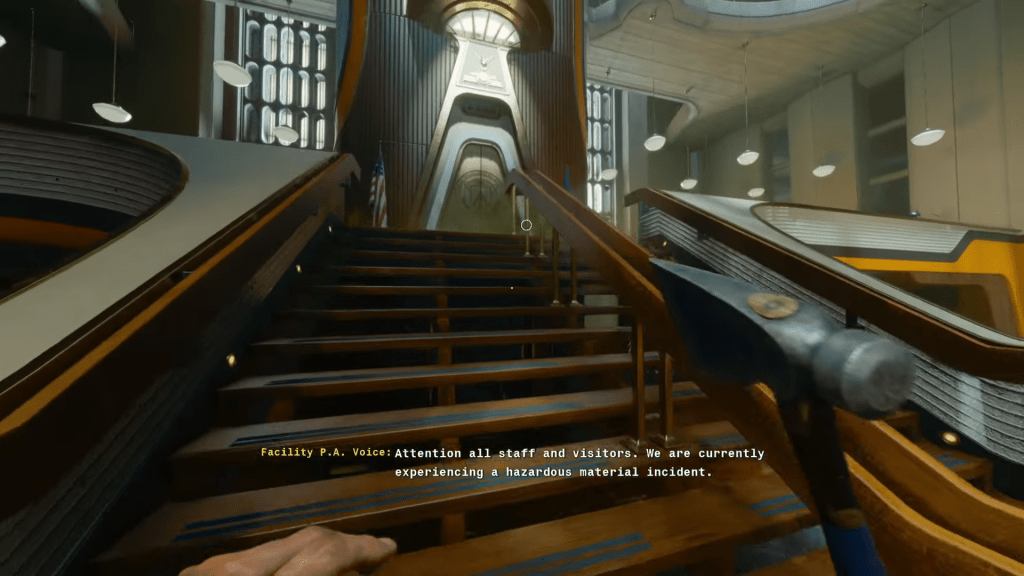
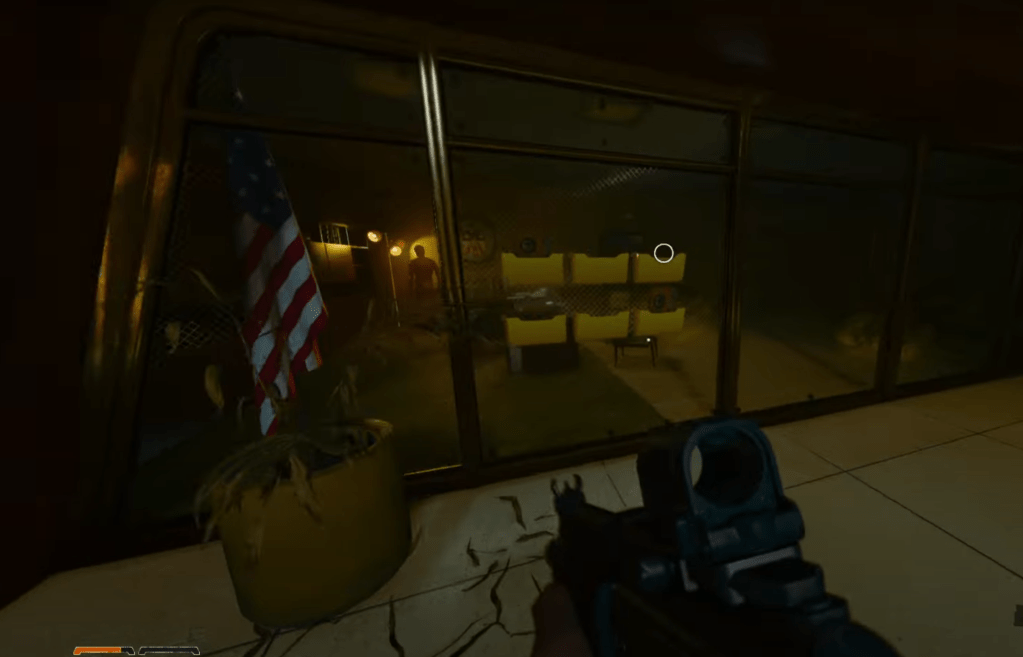
Найдите запертую дверь красного цвета. Используйте топор, найденный на манекенке, чтобы открыть его. Продолжайте по коридору, вверх по лестнице и к центральному лифту. Активация лифта запускает трансформацию манекенов зомби. Устранить их с помощью топора. Звонный телефон за круговым столом дает инструкции по поиску четырех карт директора (красный, зеленый, синий, желтый). Карта указывает на местоположение желтой карты.

Приобретение желтой карты и крючка для захвата

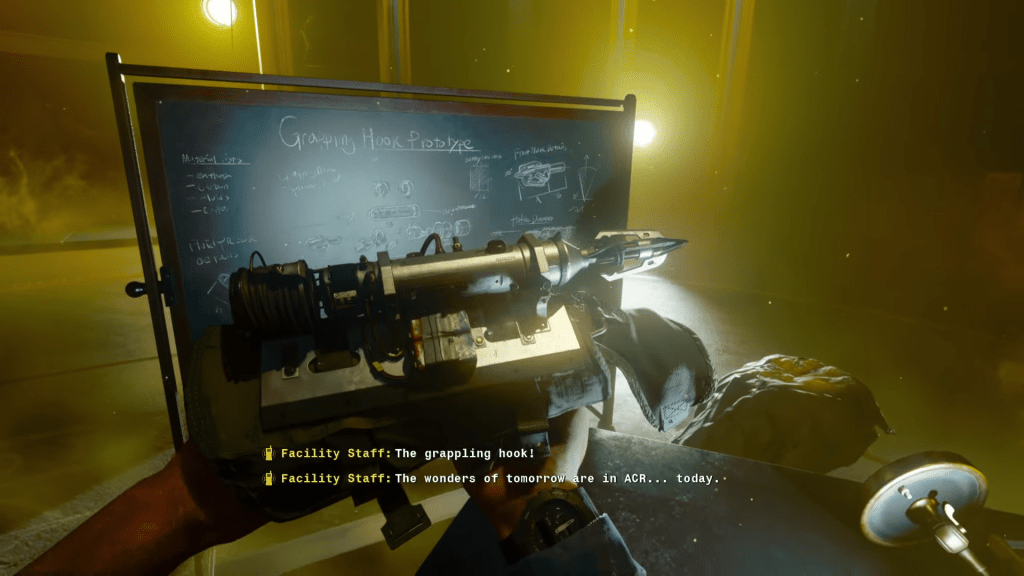
Следуйте по карте к желтой лестнице, ведущей в офис режиссера. Решить компьютерную головоломку («доступ» и «поднять»), чтобы получить доступ к A.C.R. комната. Устранение дополнительных зомби. Манекен, держащий желтую карту, превращается в мерзость при подходе. Прежде чем принять участие, собирайте доспехи, оружие и решающий крюк с захватом из окружающей зоны. Используйте тактические взрывчатые вещества (C4 или гранаты), чтобы эффективно устранить мерзость и ее орду зомби. Получить желтую карту.

Получение зеленой карты

Используйте крюк с захватом, чтобы подняться на основное средство. Найдите объект администрирования, схватившись с точки слева от лифта на стойке безопасности. Ответьте на звонок. Найдите четыре документа и поместите их в зону отображения файла. Маневрирование вокруг преследующих манекенов (они замерзают, когда вы поворачиваете), поможет вам найти документы: один на угловом столе, один рядом с круглым столом, один на маленьком центральном столе и один в кафе. Победить полученного зомби Манглера, чтобы получить зеленую карту.

Закрепление синей карты

Поднимитесь на объект совместных проектов. Ответьте на телефон. Найдите стеклянную камеру с камерой и найдите синюю карту. Устранить нерестую имитацию (он исчезает; стреляйте движущиеся объекты, чтобы раскрыть его), чтобы претендовать на синюю карту.

Получение красной карты

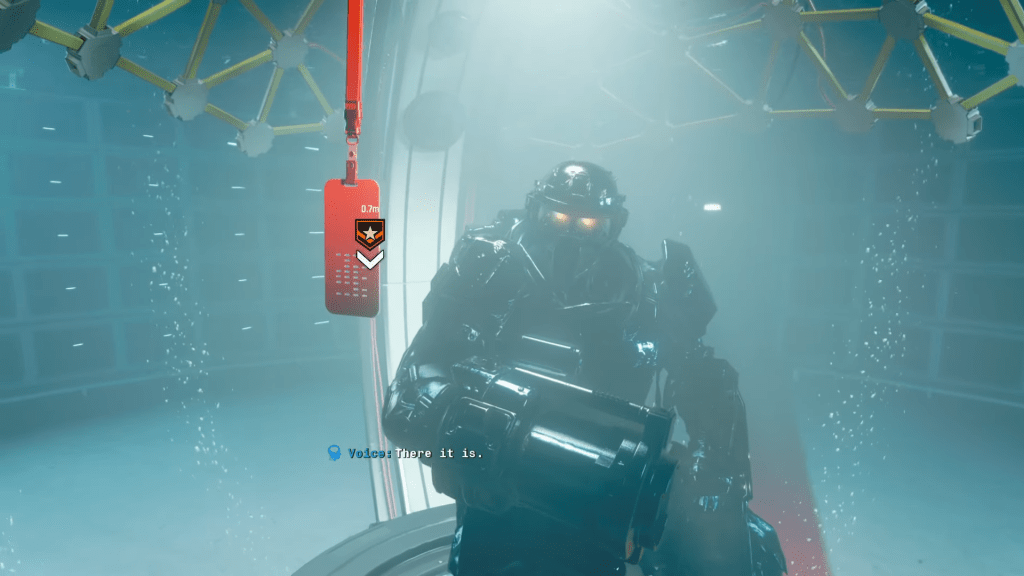
Отправляйтесь в восточное крыло (отмечено на начальной карте), следуя красным коврам до лестницы и комнаты с водой, консоли и манглером. Взаимодействуйте с консоли, чтобы раскрыть красную карту. Используйте крюк с захватом, чтобы добраться до верхней области, плавать через красный туннель, подниматься по лестнице и устранить зомби. Разблокируйте дверь, используя код с черным светом, и поверните все сливные переключатели в течение 25 секунд, чтобы получить доступ к красной карте. Победить Манглера и его орды зомби.

противостоять ученику

Вернитесь в стойку безопасности, вставьте все карты

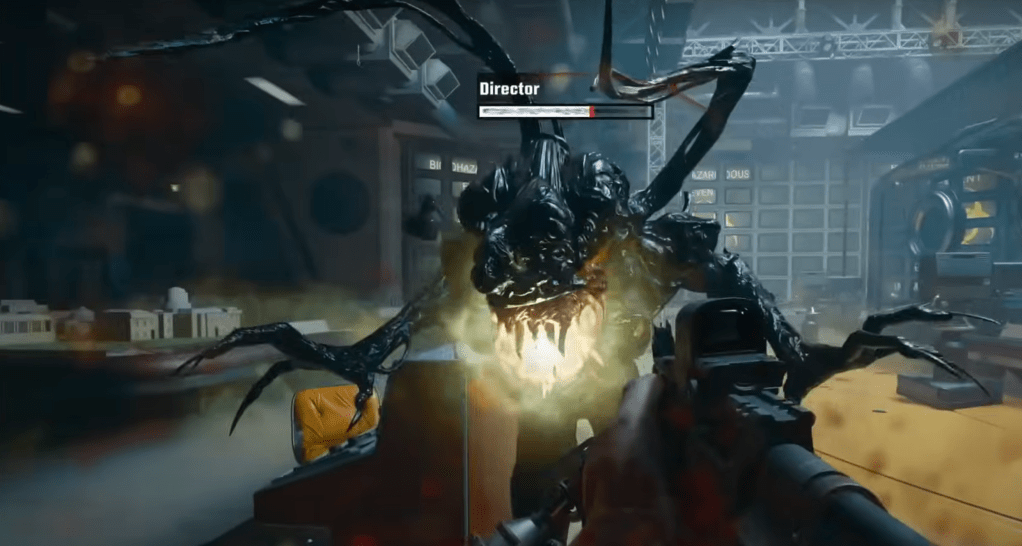
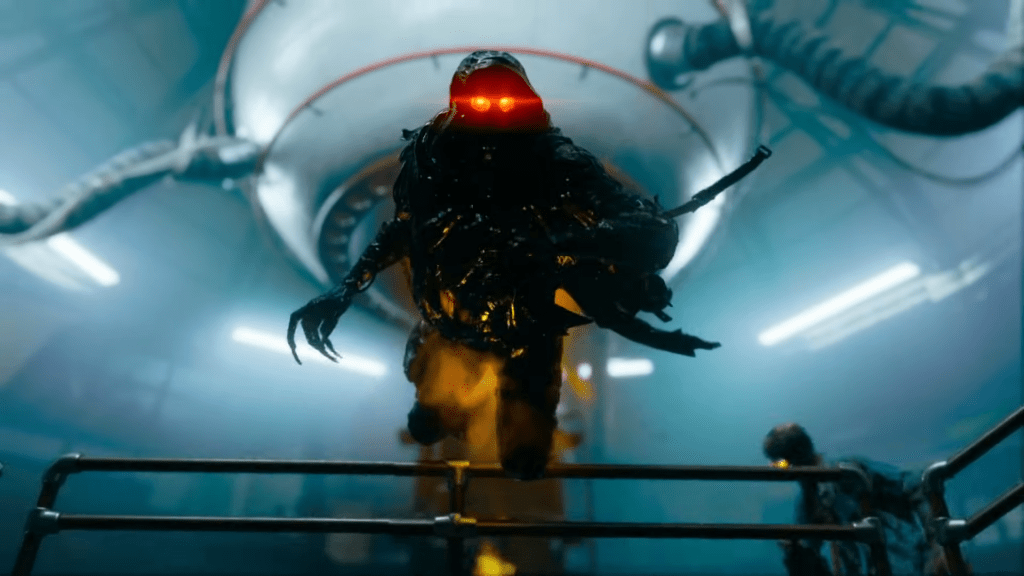
и перейдите на лифт на верхний этаж. Устранить любые преследования зомби. Ответьте на звонок красный телефон. Вовлеките орду зомби и ученика в биотехнологической комнате. Окончательная заставка показывает встречу как галлюцинацию.

Миссия появления завершается.

Call of Duty: Black Ops 6 теперь доступен на PlayStation, Xbox и Pc.
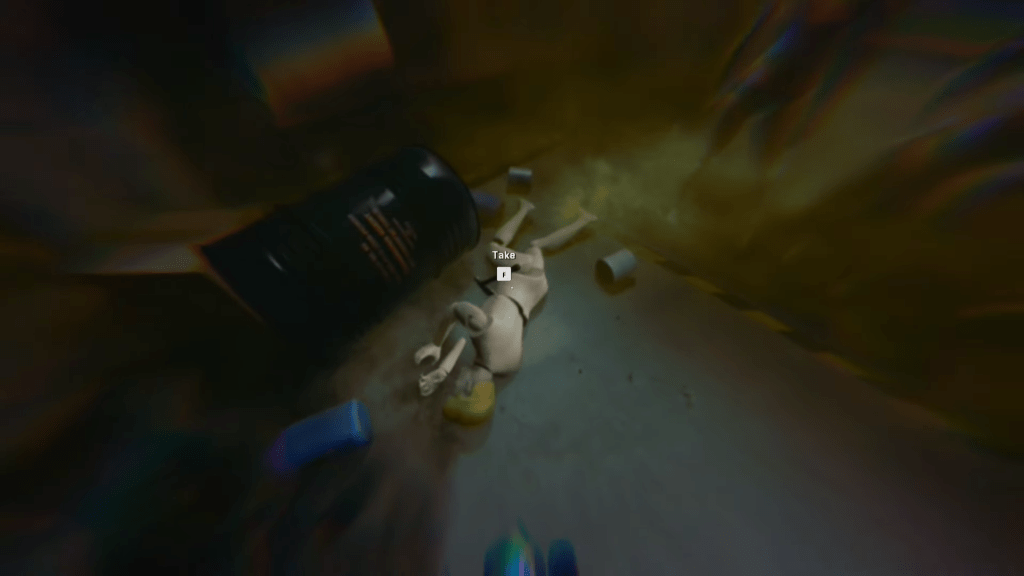
The mannequin in the Black Ops 6 Emergence Mission The central room in the Black Ops 6 Emergence Mission The grapple hook in the Black Ops 6 Emergence Mission Document locations in the Black Ops 6 Emergence Mission The Mimic boss in Black Ops 6 campaign mission Emergence The red card in the Black Ops 6 Emergence Mission The Disciple in the Black Ops 6 Emergence Mission

four

Последние статьи

Более
It sounds like you're mixing a few different topics — Pokémon games, MSI desktops, and The Legend of Zelda: Breath of the Wild (often referred to as "Zelda Sword" in casual talk). Let me help clarify or connect the dots based on what you might be asking: 🎮 Switch Pokémon Games If you're looking to play Pokémon on the Nintendo Switch, here are some key titles: Pokémon Sword and Shield (2019) – Released on Switch, features the Galar region and Dynamax battles. Pokémon Brilliant Diamond and Shining Pearl (2021) – Remakes of the classic Pokémon Diamond and Pearl, set in the Sinnoh region. Pokémon Legends: Arceus (2022) – A groundbreaking open-world Pokémon game set in the Crown Tundra and Hisui region. Note: Pokémon Sword and Shield and Legends: Arceus are exclusive to the Switch. 💻 MSI Desktops MSI is a popular brand for gaming PCs and desktops. If you're thinking about pairing an MSI desktop with your Switch: You can use an MSI gaming desktop to play Pokémon games via emulators (like Pokémon Emerald on Dolphin) or even stream Switch games via NVIDIA GameStream or Steam Remote Play. Some MSI desktops (e.g., the MAG, GF, or parts of the Vector series) are powerful enough to handle modern Pokémon games or even emulated older ones. ⚠️ Important: Emulating Switch games (like Pokémon Sword) on a desktop is technically possible but may involve legal and ethical concerns due to copyright and piracy. ⚔️ Zelda Sword (likely referring to The Legend of Zelda: Breath of the Wild or The Legend of Zelda: Tears of the Kingdom) Breath of the Wild (2017) – Released on Switch, praised as one of the greatest video games ever. Tears of the Kingdom (2023) – The direct sequel, also on Switch. These are not Pokémon games, but they do run on the same Nintendo Switch console. Many fans enjoy both franchises, especially since both feature open-world exploration and adventure. 🔍 Summary: You can play Pokémon Sword and Shield, Brilliant Diamond, and Legends: Arceus on the Switch. MSI desktops can be used for gaming, including emulating older Pokémon games or playing other titles like Zelda: Breath of the Wild (if streamed). Zelda: Sword likely refers to Breath of the Wild or Tears of the Kingdom, not a Pokémon game. 💬 If you have a specific question like: "Can I play Pokémon Sword on an MSI desktop?" "What's the best MSI desktop to play Switch games on?" "Which Switch Pokémon game is best for beginners?" Let me know — I’ll help you pick the right setup! 😊 Чтение
MLB The Show 26: Go! Launches – A New Era of Baseball Strategy Game Begins Get ready to step up to the plate like never before—MLB The Show 26: Go! has officially launched, bringing a fresh wave of strategy, realism, and innovation to baseball fans worldwide. Developed by Sony Interactive Entertainment and published by MLB, this year’s installment elevates the franchise to new heights with groundbreaking gameplay mechanics, immersive visuals, and a dynamic new "Go!" mode designed for fast-paced, tactical decision-making. Key Features of MLB The Show 26: Go! ⚾ Go! Mode – The Ultimate Tactical Challenge Introducing Go!, a new gameplay mode built for players who crave strategy and speed. In Go! mode, every pitch, steal, and baserunning decision carries higher stakes. Managers must think ahead—adjusting defensive alignments, calling smart pitch sequences, and exploiting opponent weaknesses in real time. It’s baseball at its most cerebral. ⚾ Enhanced AI and Player Intelligence Thanks to advanced machine learning, players now react more naturally to in-game situations. Batters adjust their stance based on pitch location, pitchers mix in new pitch types mid-inning, and base runners make smarter read decisions. The game feels alive, like a real MLB contest. ⚾ Next-Gen Graphics and Physics Powered by the Unreal Engine 5, MLB The Show 26: Go! delivers jaw-dropping visuals—from lifelike facial animations to real-time stadium lighting and weather effects. The new physics engine makes every collision, catch, and home run feel authentic. ⚾ Expanded Career Mode & Franchise Evolution Players can now shape their journey from rookie to legend, with deeper team-building mechanics and evolving player relationships. Choose your path: become a superstar slugger, a master tactician on the mound, or a leadership-driven manager. ⚾ Cross-Platform Play (Beta) For the first time in the series, MLB The Show 26: Go! offers limited cross-platform play between PlayStation 5 and select mobile devices (via cloud streaming), allowing fans to jump into a game on the go—perfect for busy seasons. ⚾ New Soundtrack and Broadcast Experience A curated soundtrack featuring indie rock, hip-hop, and classic baseball anthems sets the tone. Plus, the broadcast team delivers real-time commentary that reacts dynamically to in-game events, from walk-offs to record-breaking home runs. Availability MLB The Show 26: Go! is now available on PlayStation 5 and via cloud streaming on select mobile platforms. A special "Go! Collector’s Edition" includes exclusive in-game content, digital artwork, and a 30-day premium subscription to MLB.TV. Final Pitch “Baseball isn’t just a game—it’s a mindset. And in MLB The Show 26: Go!, every decision counts.” – Sony Sports Creative Director Whether you’re a lifelong fan or new to the diamond, MLB The Show 26: Go! isn’t just a game—it’s a full-contact experience. Step up. Play smart. Go! 👉 Download now on PlayStation 5 and via cloud on supported devices. The Show goes on—don’t miss a single pitch. Чтение