ニュース Minecraft での簡単な算術: 画面を部分に分割する

Minecraft での簡単な算術: 画面を部分に分割する

著者 : Patrick アップデート : Jan 05,2025

Minecraft で古典的なソファでの協力プレイ体験を追体験しましょう! このガイドでは、Xbox One またはその他の互換性のあるコンソールで分割画面マルチプレイヤーを楽しむ方法を説明します。友達を集めて軽食をとり、さあ始めましょう!

重要な考慮事項:
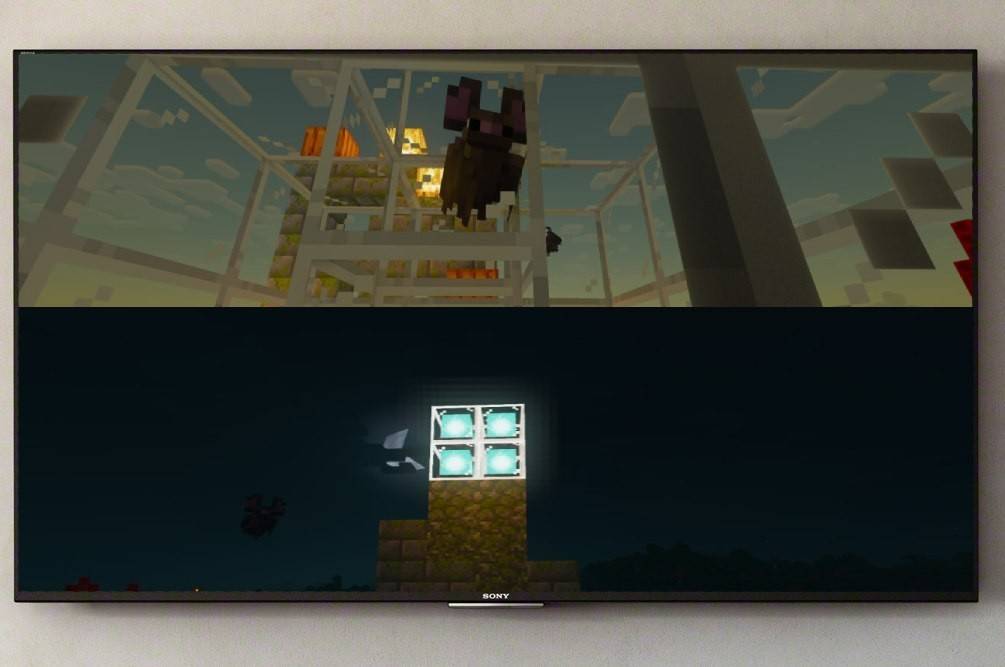
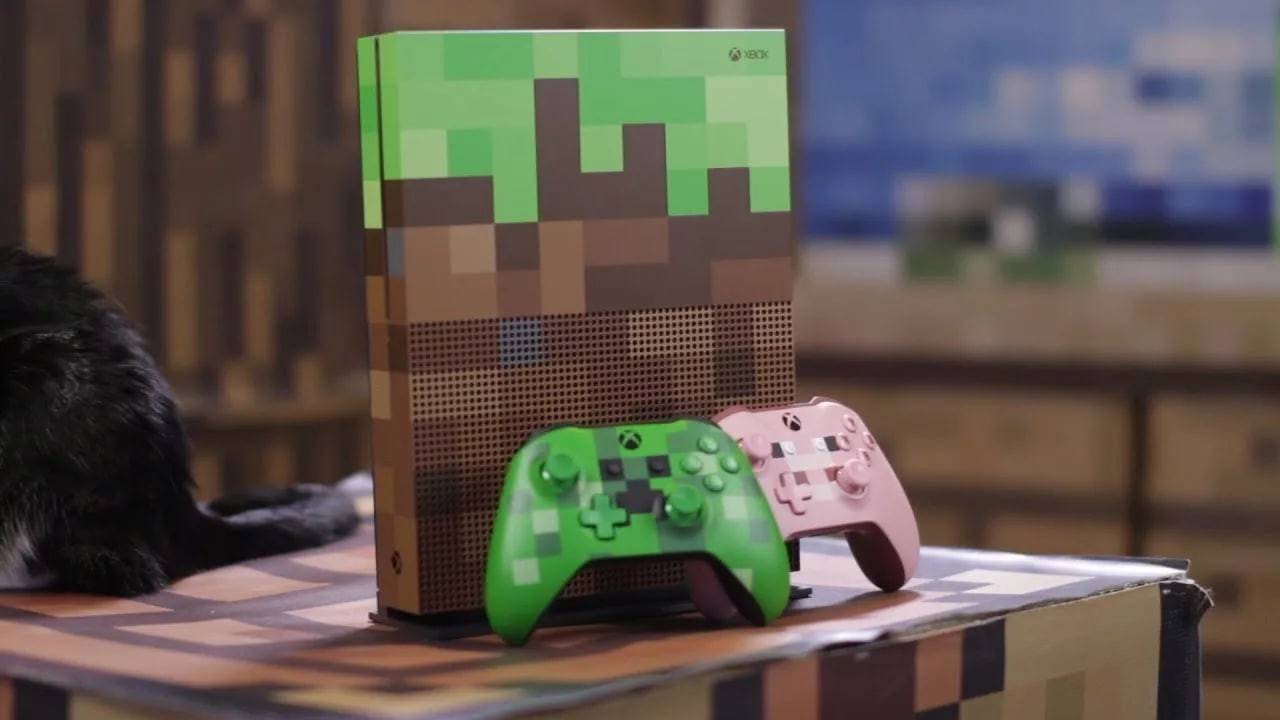
Splitscreen on Minecraft画像: ensigame.com

Minecraft の分割画面はコンソール専用の機能です。残念ながら、PC プレイヤーには運がありません。 少なくとも 720p HD 解像度をサポートするテレビまたはモニターが必要で、コンソールもこの解像度をサポートする必要があります。 HDMI 接続は通常、自動調整されます。 VGA 接続では、本体の設定で手動で解像度を調整する必要がある場合があります。

ローカル分割画面ゲームプレイ:
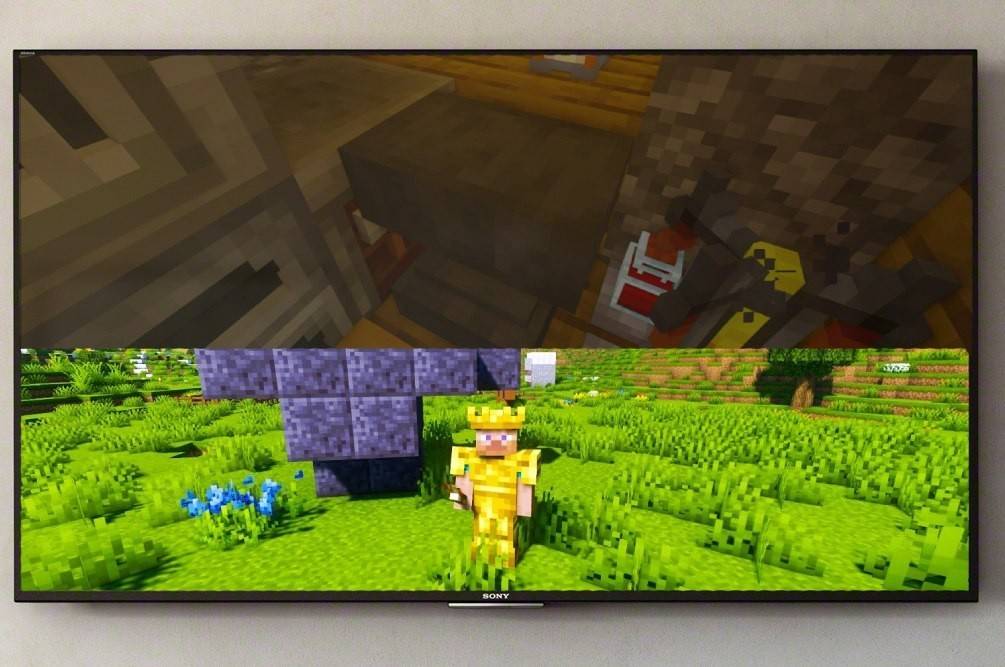
Splitscreen on Minecraft画像: ensigame.com

最大 4 人のプレーヤーが 1 台のコンソールでローカル分割画面を楽しむことができます。 このプロセスはどのコンソールでも同様ですが、ボタンの詳細は異なる場合があります。

  1. 本体を接続します: 最適な結果を得るには、HDMI ケーブルを使用してください。
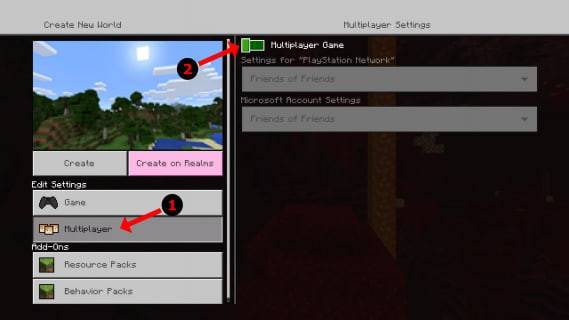
  2. Minecraft を起動します: 新しいワールドを作成するか、既存のワールドを読み込みます。 重要なのは、ゲーム設定でマルチプレイヤーを無効にすることです。
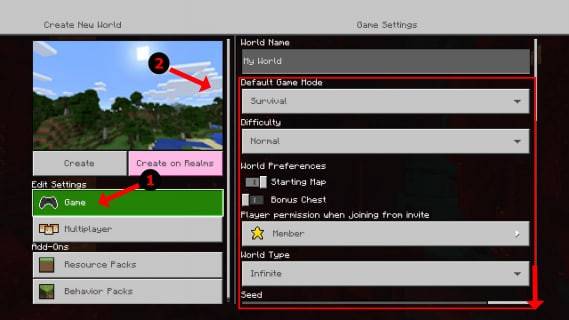
  3. ワールドを構成します: 難易度、ゲームモード、ワールドオプションを選択します。
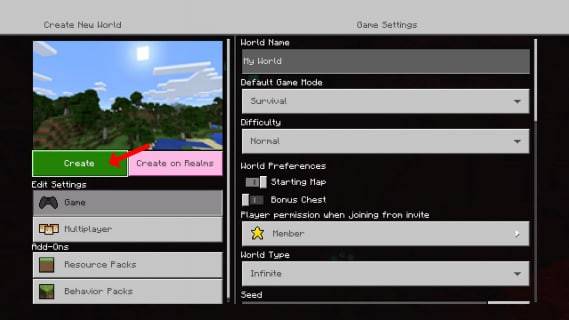
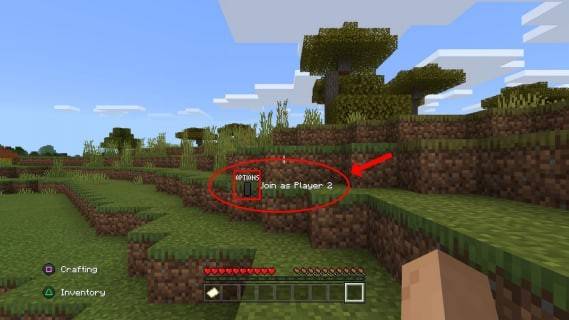
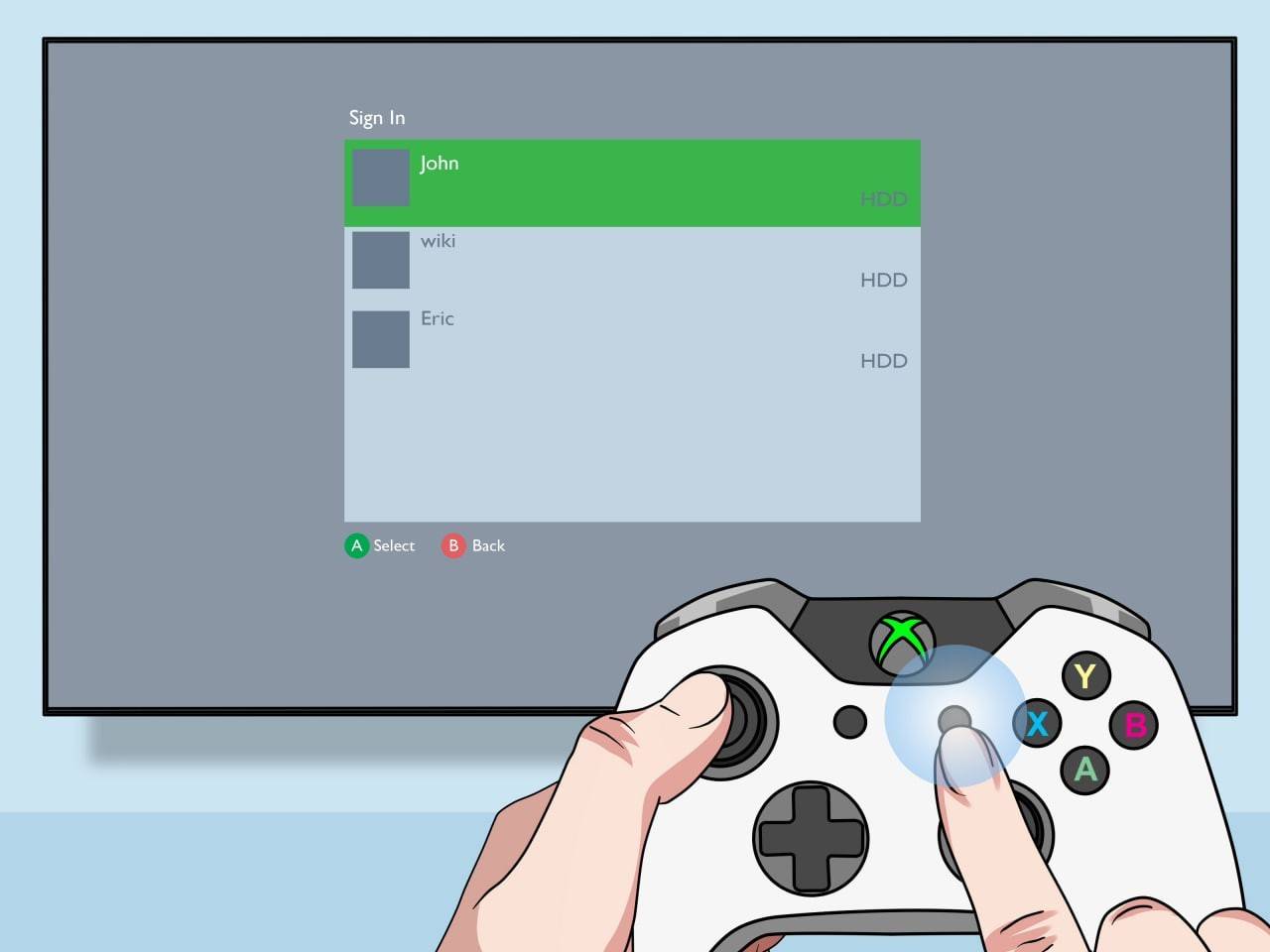
  4. ゲームを開始します: ロードされたら、追加のプレイヤー スロットをアクティブにします。 これには通常、「オプション」ボタン (PS) または「スタート」ボタン (Xbox) を 2 回押す必要があります。
  5. ログインしてプレイ: 各プレイヤーは自分のアカウントにログインしてゲームに参加します。画面は自動的にセクション (2 ~ 4 人のプレイヤー) に分割されます。
Splitscreen on Minecraft画像: ensigame.com Splitscreen on Minecraft画像: alphr.com Splitscreen on Minecraft画像: alphr.com Splitscreen on Minecraft画像: alphr.com Splitscreen on Minecraft画像: alphr.com Splitscreen on Minecraft画像: pt.wikihow.com

ローカル分割画面を使用したオンライン マルチプレイヤー:

オンライン プレーヤーで直接画面を分割することはできませんが、ローカルの分割画面とオンライン マルチプレーヤーを組み合わせることができます

    上記の手順 1 ~ 3 に従いますが、
  1. ゲーム設定でマルチプレイヤーを有効にしてください
  2. オンラインの友達をゲームに招待します。

画像: youtube.comSplitscreen on Minecraft

ローカル分割画面の友情とオンライン マルチプレイヤーの拡張された可能性、両方の長所をお楽しみください。 Minecraft の協力的なゲームプレイは比類のないものなので、友達を誘って楽しいゲームに飛び込みましょう!


最新記事

もっと
Magic Jigsaw Puzzles Debuts Monochrome Edition April 2024 – New York, NY — Magic Jigsaw Puzzles, the innovative leader in digital and interactive puzzle experiences, has officially launched the Monochrome Edition, a striking new chapter in its acclaimed puzzle lineup. Designed for art lovers, minimalist enthusiasts, and puzzle aficionados seeking a meditative challenge, the Monochrome Edition features a curated collection of hand-crafted puzzles rendered exclusively in shades of black, white, and gray. Inspired by architectural marvels, abstract art, and the elegance of contrast, the 50 new puzzles in the Monochrome Edition range from subtle grayscale landscapes to intricate optical illusions. Each piece is meticulously designed to highlight form, texture, and negative space—proving that beauty doesn’t require color. Key Features of the Monochrome Edition: 50 Unique Puzzles: Ranging from 200 to 4,000 pieces, with difficulty levels tailored for all skill levels. Artistic Minimalism: Collaborations with contemporary artists and photographers who specialize in monochrome aesthetics. Immersive Experience: Enhanced digital interface with adaptive lighting, allowing players to adjust contrast and brightness for optimal focus. Mindful Play Mode: A new "Focus Flow" mode that dims the screen edges and reduces distractions—perfect for mindfulness and stress relief. Digital Framing: After completion, puzzles can be saved in a digital gallery with customizable monochrome frames. “Color is powerful, but sometimes, the absence of it speaks volumes,” said Elena Marquez, Creative Director at Magic Jigsaw Puzzles. “The Monochrome Edition isn’t just a shift in palette—it’s a journey into subtlety, precision, and perception. We wanted to create an experience that challenges the eye and calms the mind.” The Monochrome Edition is available now on iOS, Android, and Magic Jigsaw Puzzles’ web platform. A limited physical version, featuring matte-finish puzzle pieces and eco-friendly packaging, will launch in select markets this summer. For more information, visit: www.magicjigsawpuzzles.com/monochrome — A puzzle experience, reborn in black and white. 読む