Hogar Noticias Cómo omitir escenas en Monster Hunter Wilds

Cómo omitir escenas en Monster Hunter Wilds
Autor : Olivia Actualizar : Mar 17,2025

Cómo omitir escenas en Monster Hunter Wilds

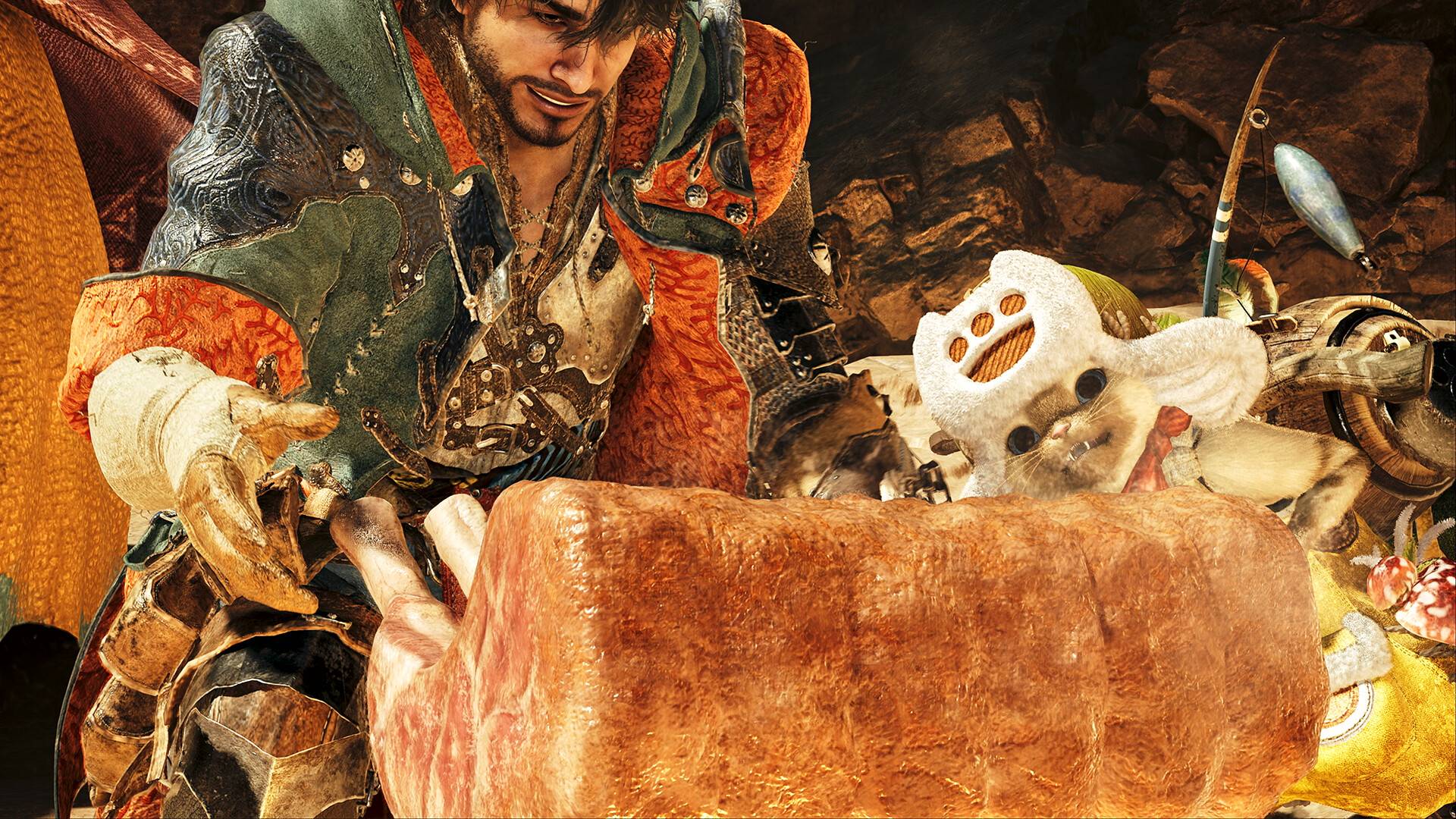
¿Quieres omitir las escenas en Monster Hunter Wilds y llegar directamente a la acción de caza? Si bien este juego cuenta con una historia sorprendentemente atractiva y personajes bien desarrollados, entendemos la necesidad de sumergirnos directamente en las peleas de monstruos. Aquí está cómo evitar esos interludios cinematográficos:

Omitir escenas en monstruos cazadores salvajes

Simplemente mantenga presionada la tecla Y en su teclado, o el botón Atrás en su controlador, durante aproximadamente un segundo durante una escena. Si está utilizando un esquema de control menos convencional, presione brevemente algunos botones durante una escena; La entrada requerida se mostrará en la esquina superior derecha de la pantalla.

Para aquellos que prefieren detener y saborear los detalles, también pueden detener las escenas de corte en cualquier momento. Sin embargo, dado que muchas escenas de Wilds son parte integral de la historia, recomendamos omitirlas solo en el juego posterior.

Alternativamente, puede volver a ver cualquier escena que ya haya visto accediendo al menú en el juego. Esto es perfecto para volver a visitar impresionantes presentaciones de monstruos o capturar capturas de pantalla de sus gigantes favoritos. Si bien omitir podría interrumpir el flujo narrativo ligeramente, le permite concentrarse en la experiencia central del juego.

Últimos artículos

Más
Magic Jigsaw Puzzles Debuts Monochrome Edition — This announcement marks a bold new chapter in the world of digital and traditional jigsaw puzzle experiences. The Monochrome Edition, released by Magic Jigsaw Puzzles, reimagines the classic puzzle-solving journey through a striking black-and-white aesthetic, offering players a fresh and minimalist twist on a beloved pastime. Key Features of the Monochrome Edition: Sleek Minimalist Design: All puzzles in the Monochrome Edition feature high-contrast grayscale imagery, emphasizing shape, texture, and form over color. This shift challenges solvers to focus on patterns and structure, making the experience more meditative and visually striking. Artistic Inspiration: Curated from iconic black-and-white photography, vintage illustrations, architectural masterpieces, and abstract art, the collection celebrates the timeless beauty of monochrome aesthetics. Enhanced Cognitive Focus: By removing color distractions, the Monochrome Edition is designed to improve concentration, pattern recognition, and spatial reasoning — ideal for mindfulness and mental wellness. New Game Modes: Special "Shadow & Light" modes introduce dynamic lighting effects that shift as you piece together the puzzle, adding an immersive, almost artistic layer to gameplay. Cross-Platform Availability: Available on mobile (iOS and Android), tablets, and desktop, the Monochrome Edition offers seamless gameplay across devices, with cloud sync and progress tracking. Exclusive Artwork: A limited-run digital gallery features artist commentary and behind-the-scenes stories, turning puzzle-solving into an artistic journey. Why Monochrome? The creators of Magic Jigsaw Puzzles believe that stripping away color allows players to reconnect with the essence of puzzle-making — the joy of discovery, the satisfaction of fitting pieces, and the quiet focus of creation. In a world saturated with color, the Monochrome Edition offers a refreshing pause. Availability: The Monochrome Edition launched on [insert date] and is available as a standalone app or as part of a premium subscription bundle. A portion of proceeds supports arts education initiatives and digital creativity programs. Whether you're a seasoned puzzler or new to the craft, the Monochrome Edition invites you to see the world in shades of gray — and discover beauty in simplicity. “Puzzle your way through silence. Solve with soul.” — Magic Jigsaw Puzzles Lectura