程序描述
Insulin Pump Display
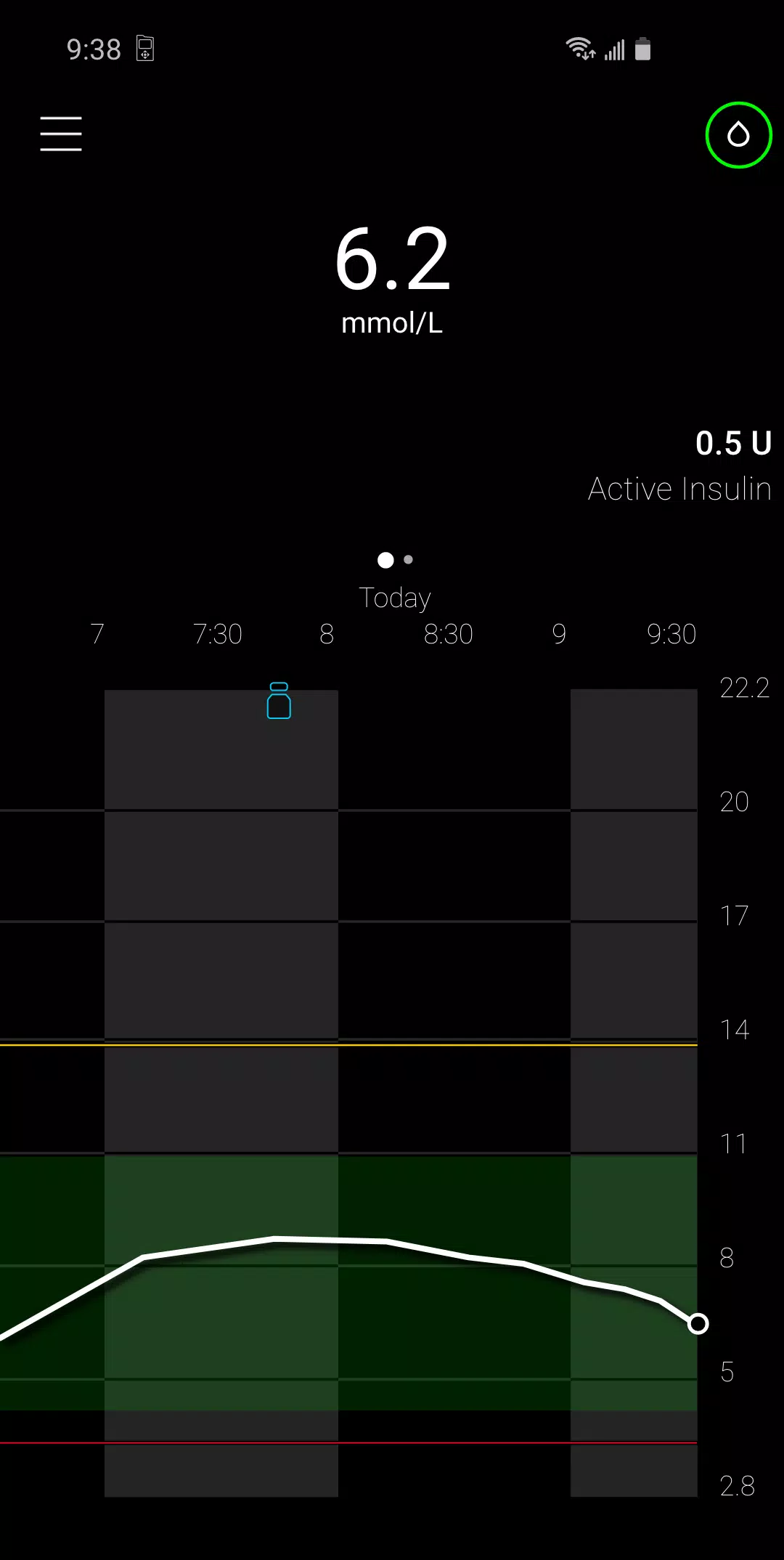
Experience a new way to interact with your MiniMed™ insulin pump and Continuous Glucose Monitoring (CGM) data. A simpler and more discreet solution for managing diabetes.
The MiniMed™ Mobile app brings key insulin pump and CGM data directly to your smartphone for convenient access.
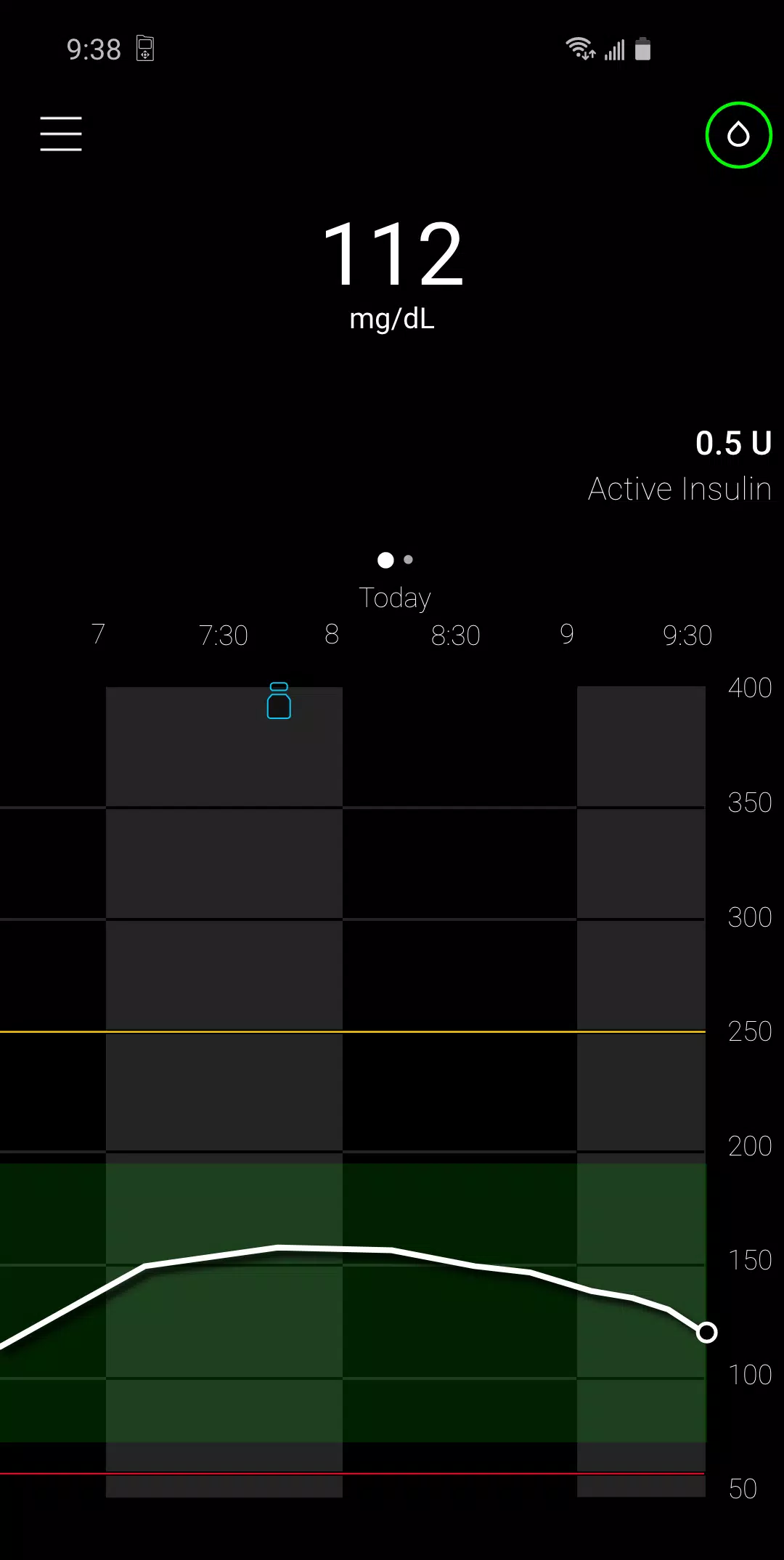
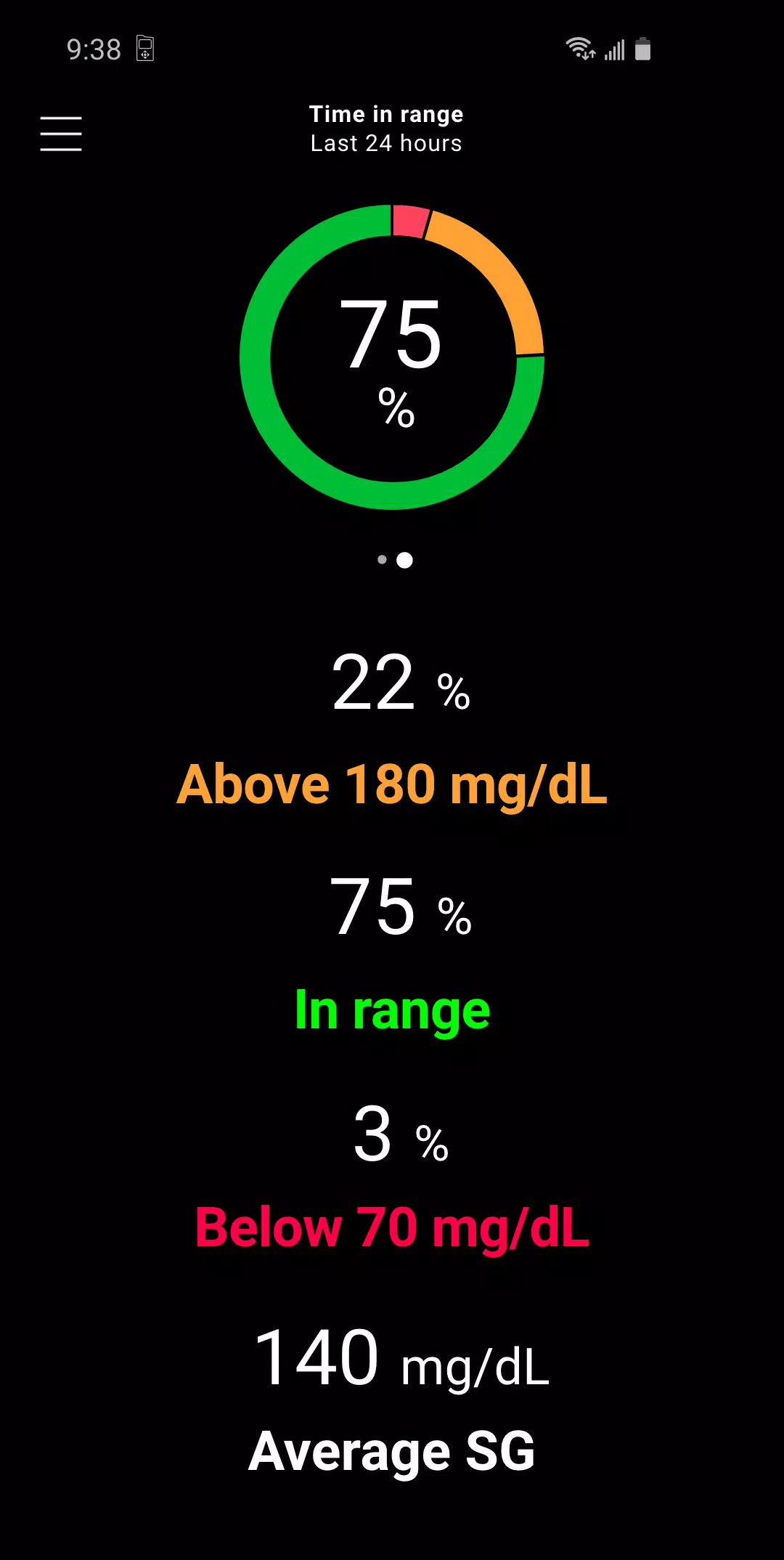
Use the app to review your insulin pump and CGM data, gain insights into your glucose trends, and easily track your historical levels.
Automatic data uploads to CareLink™ software simplify sharing your information with care partners.
Additional app features include:
User-friendly secondary display
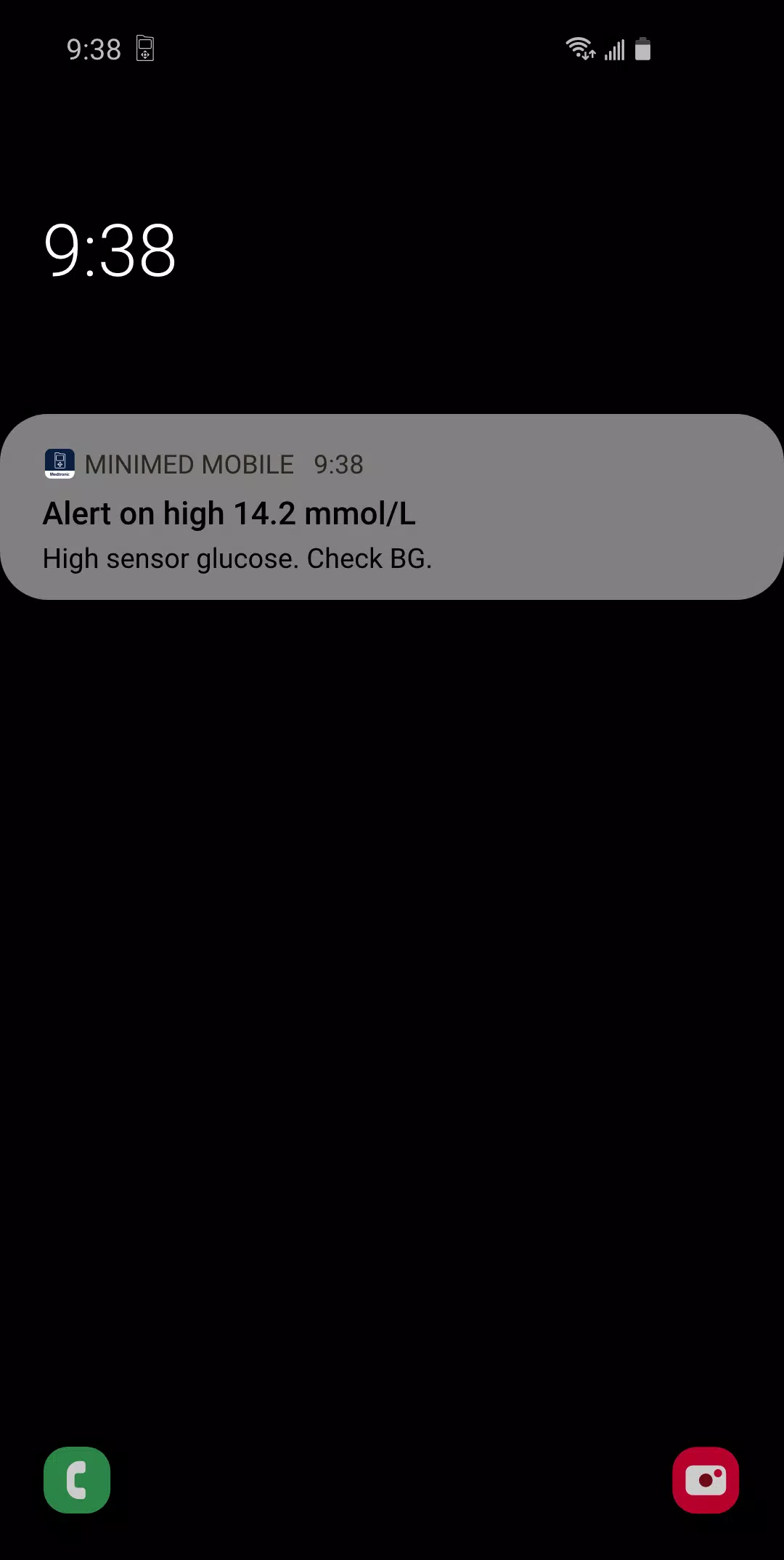
Insulin pump system notifications delivered to your smartphone
Data presented in the same familiar layout as your MiniMed™ insulin pump interface
Historical and real-time views of insulin pump and CGM data
IMPORTANT: This app is compatible only with the MiniMed™ 700-series insulin pump system, which is specifically designed for wireless communication with compatible smart devices. For a list of compatible devices, please visit your local Medtronic website. The MiniMed™ Mobile app does not work with other MiniMed™ or Paradigm™ insulin pumps. To learn more, visit your local Medtronic website.
The MiniMed™ Mobile app serves as a secondary display for a compatible MiniMed™ insulin pump system on a suitable consumer electronic device, enabling passive monitoring and data synchronization to the CareLink™ system. It is not intended to replace the real-time display of CGM or insulin pump data on the primary device (i.e., the insulin pump). All therapy decisions should be based on information shown on the primary display device.
The MiniMed™ Mobile app is not intended to analyze or modify the CGM or insulin pump data it receives. It is also not designed to control any function of the connected CGM system or insulin pump. The app does not receive information directly from the sensor or transmitter of a continuous glucose monitoring
system.
This app store is not the primary channel for resolving technical or customer service issues. To protect your privacy and personal information and to ensure prompt resolution of any issues with Medtronic products, please contact your local Medtronic support line.
This application is not a substitute for professional medical advice, diagnosis, or treatment. Always consult your physician or other qualified healthcare provider with any questions about a medical condition or treatment.
Medtronic may be required to proactively contact customers regarding product-related complaints. If your comment or complaint requires follow-up, a Medtronic representative will attempt to contact you to gather further information.
©2021 Medtronic. All rights reserved. Medtronic, the Medtronic logo, and Further, Together are trademarks of Medtronic. Third-party brands are trademarks of their respective owners.
### What's New in Version 2.7.0
Last updated on Oct 18, 2024
Thank you for using the MiniMed™ Mobile app. This new version includes an important update to enhance connectivity. We recommend updating to this version as soon as possible.
截图
用户评价
MiniMed™ Mobile类似应用