Хранение гардероба в Minecraft: Руководство по созданию брони.
Создание удобного и функционального пространства для хранения доспехов является важным аспектом улучшения вашего игрового процесса в блочном мире Minecraft. Стенд брони не только помогает вам поддерживать инвентарь, но и добавляет оттенка элегантности и величия в ваше окружение.
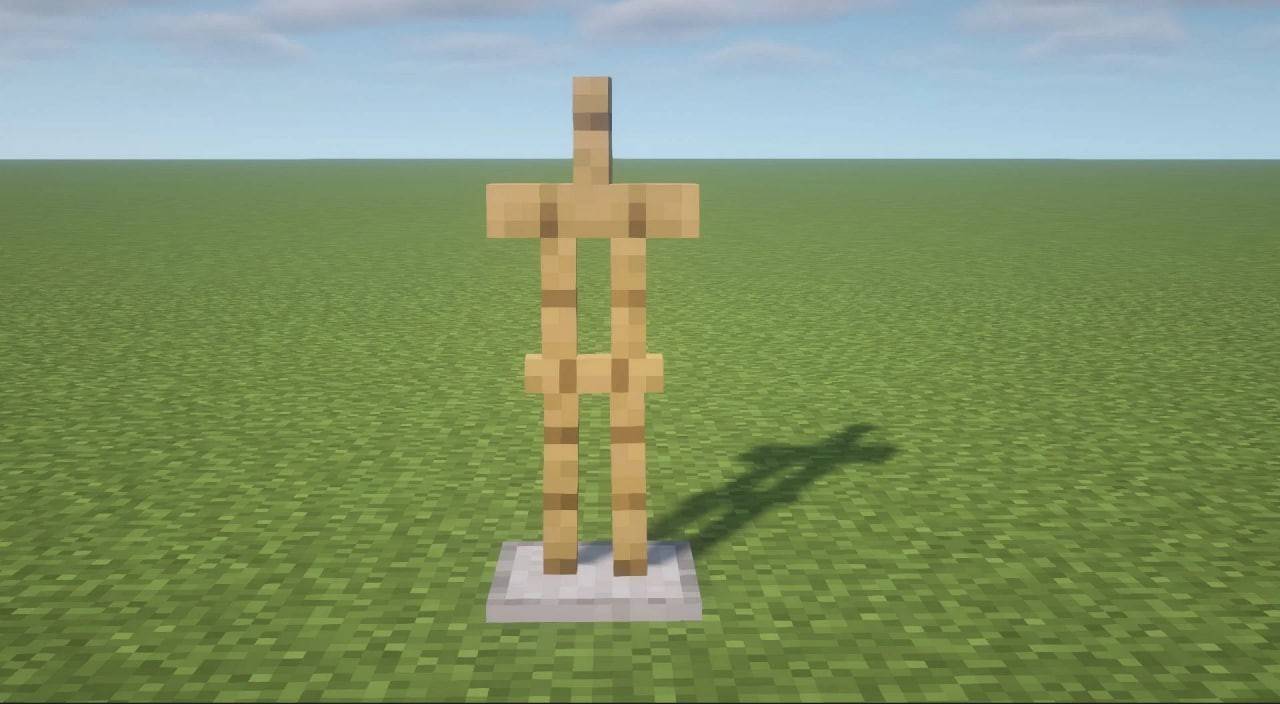 Изображение: Sportskeeda.comin этого комплексного руководства, мы рассмотрим процесс создания подставки для брони, обеспечивая его эффективно.
Таблица контента ---
- Зачем это нужно?
- Как создать броню в Minecraft?
- Получение подставки брони с использованием команды
Зачем это нужно?
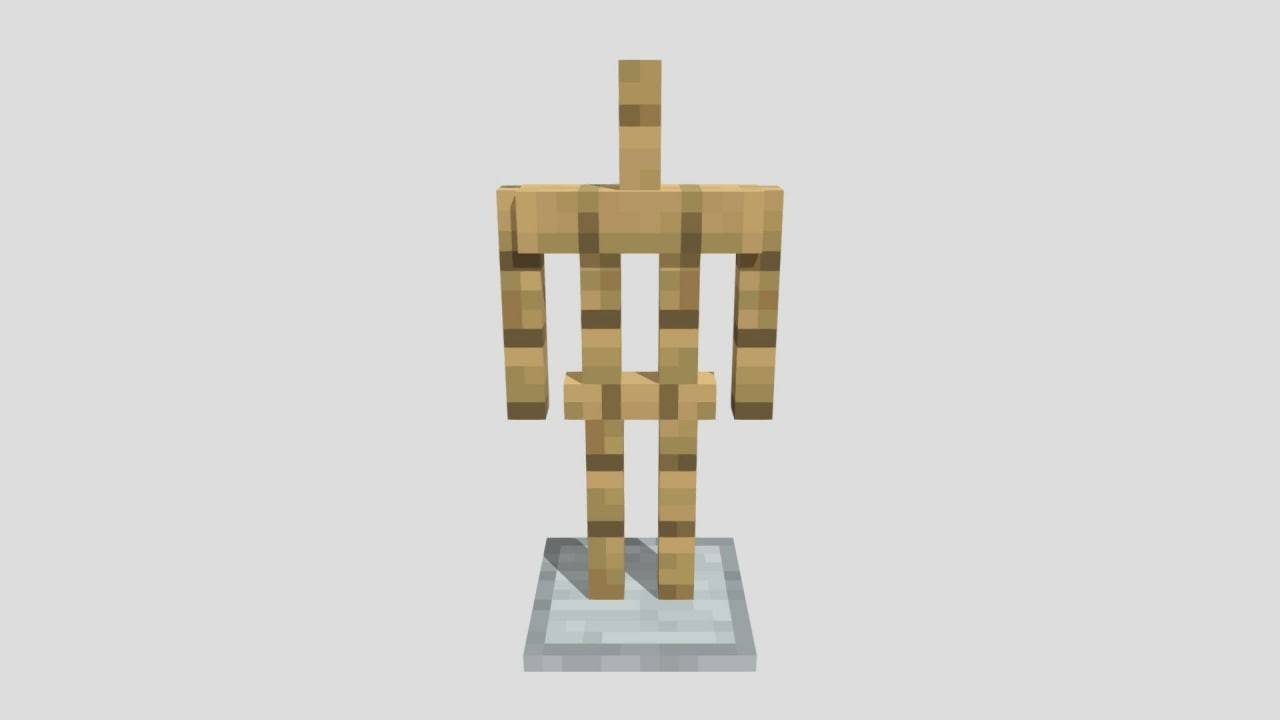 Изображение: Sketchfab.com. Прежде чем углубляться в процесс крафта, важно понять значение подставки брони. Помимо основной функции хранения, он облегчает быстрые изменения оборудования, демонстрирует ваши лучшие брони и аксессуары и оптимизирует ваше инвентарь. Хорошо продуманная стенда может стать жизненно важным компонентом вашей базы, улучшая как его функциональность, так и эстетическую привлекательность.
Как создать броню в Minecraft?
Вступив в путешествие, чтобы создать стенд брони, включает в себя использование простых материалов, которые легко доступны в игре. Начните с сбора палочек, которые легко получают путем сбора дерева из деревьев. Просто подходите к любому дереву и начните ломать его, пока у вас не будет достаточного запаса деревянных досок.
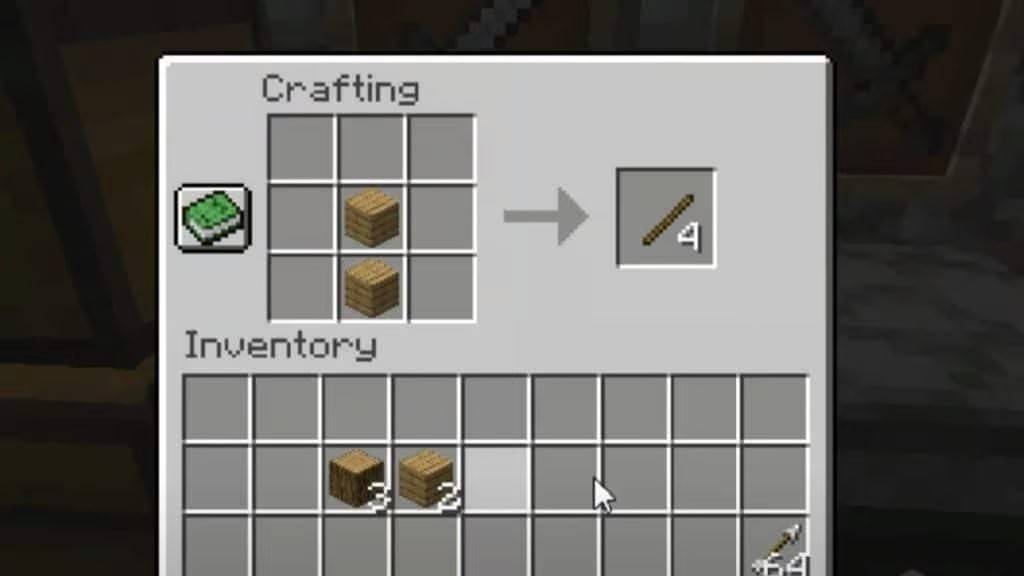
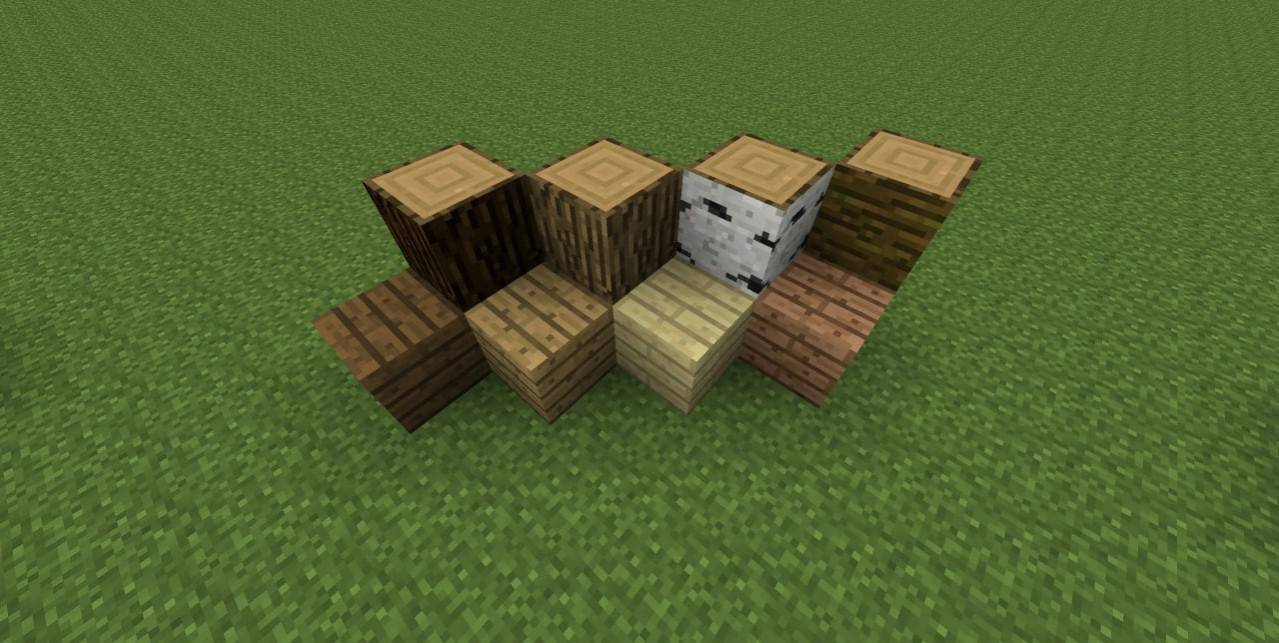 Изображение: Woodworkingez.comconvert эти доски в палочки, расположив их вертикально в окне крафта.
 Изображение: Charlieintel.comnext, вам понадобится гладкая каменная плита. Чтобы получить это, вам сначала понадобятся три булыжника, которые вы можете на расхю в печи, чтобы создать камень. Для получения более подробных инструкций по созданию печи см. В нашей выделенной статье.
После того, как ваша печь будет работой, заршев булыжники, чтобы производить камень, а затем положить камень, чтобы приобрести гладкий камень.
 Изображение: Geeksforgeeks.orgto создать гладкую каменную плиту, расположить три куска гладкого камня горизонтально в нижнем ряду сетки крафта.
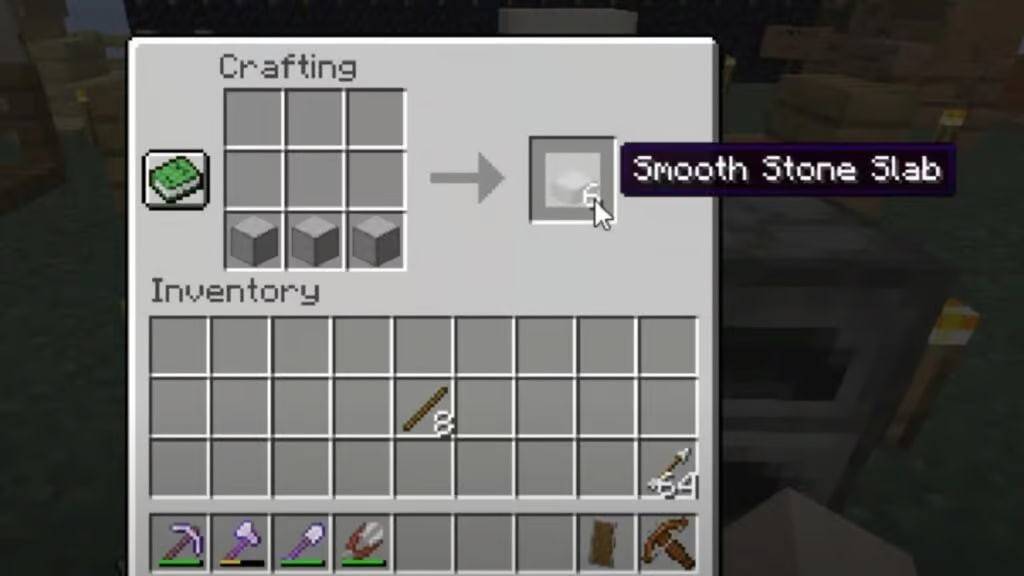 Изображение: Charlieintel.com. С этими материалами готовы, вы почти в своей цели. Вот краткое изложение того, что вам нужно:
- 6 палочек
- 1 гладкая каменная плита
Осторожно поместите эти элементы в окно крафта, как показано на скриншоте ниже, чтобы успешно создать свою подставку для брони.
 Изображение: Charlieintel.com С всего лишь несколько простых шагов, у вас будет полезная броня в вашем распоряжении.
Получение подставки брони с использованием команды
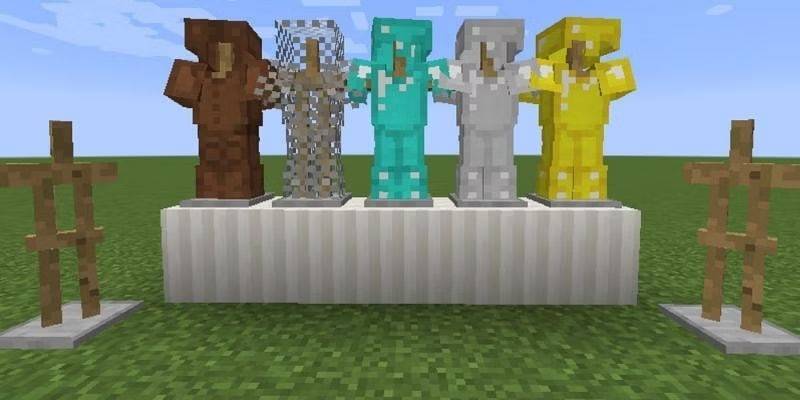 Изображение: Sportskeeda.com Для более быстрой альтернативы вы можете использовать команду
 /summon , чтобы мгновенно получить подставку для брони. Этот метод особенно полезен, если вам нужно несколько стендов, не проходя через процесс крафта.
В этом руководстве мы подробно рассказали о шагах для создания подставки для брони в Minecraft, демонстрируя это с минимальными усилиями и легкодоступными материалами, вы можете эффективно улучшить свою игровую среду.
Последние статьи
Трендовые игры



![Taffy Tales [v1.07.3a]](https://imgs.anofc.com/uploads/32/1719554710667e529623764.jpg)






Главные новости









Последние игры