"Руководство робота -героя: разблокировка в животном пересечении: Pocket Camp"
Быстрые ссылки
Если вы погружаетесь в мир Animal Crossing: Pocket Camp Complete и Complete Happy Homeroom, вы, вероятно, столкнулись с проблемой приобретения редких предметов мебели. Эти специальные предметы мебели не просто добавляются в ваш каталог ремесленных пособий, просто выравнивая уровень вашего менеджера лагеря. Вместо этого вы разблокируете эти запросы, когда друг животного достигнет 10 или 15 -го уровня. Основным примером такого желанного предмета является герой робота.
Как стать статичным в карманном лагере завершенным
Какой уровень разблокировать статический
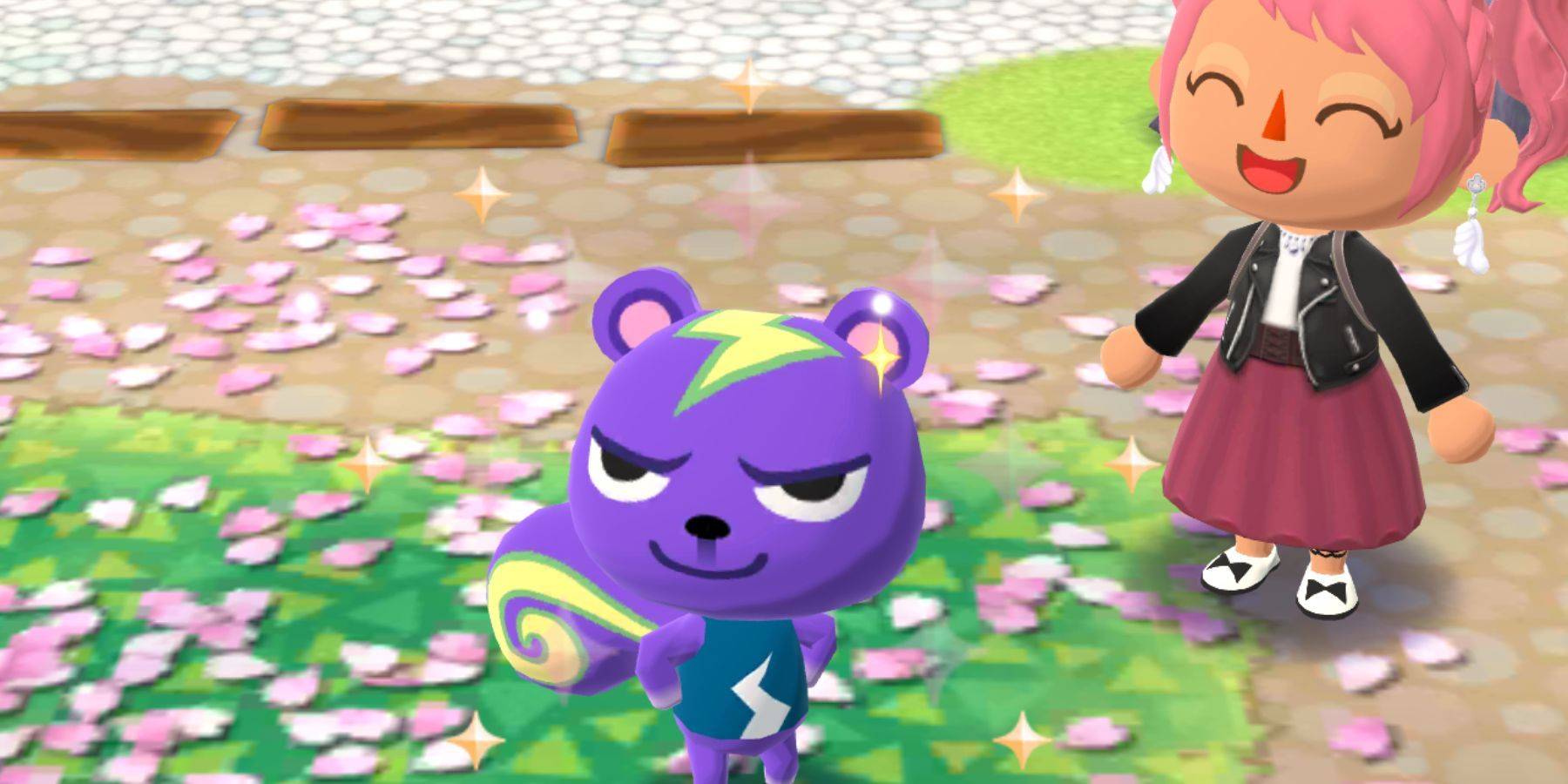 Чтобы отправиться в путешествие, чтобы получить героя -робота по специальной просьбе, вам сначала нужно пригласить Static, деревенский житель белки, в ваш лагерь. В какой -то момент вы разблокируете статичный между уровнями 20 и 29, где вы познакомитесь с двумя новыми животными на уровне. Это немного игра, когда вы столкнетесь с статичкой, поэтому вам может потребоваться выровнять несколько раз, прежде чем он присоединится к вашим контактам.
Прежде чем пригласить Static, вам нужно будет достичь дружбы 5 -го уровня с ним. Как только вы достигнете этого, вы можете создать следующие предметы мебели:
| Мебель | Колокольчики | Материалы | Ремесло время |
|---|---|---|---|
| Современная конечная таблица | 720 | x30 сталь | 3 часа |
| Современное кресло | 1390 | x30 сталь | 2 часа |
| Современная кровать | 1410 | x15 хлопок, x15 дерево | 2 часа |
| Металлическая гитара | 1800 | x60 Steel, x3 Cool Essence | 9 часов |
| Серебряный микрофон | 2230 | x60 Steel, x3 Cool Essence | 9 часов |
Как создать робота -героя в карманном лагере
Как быстро повышать статический
 Приветствуя статику в вашем лагере, ваша следующая цель - повысить его уровень до 15. Самый быстрый способ сделать это - дать ему золотые угощения. Однако, если вы хотите сохранить их, вы можете выбрать следующие закуски:
- Простой шоколадный батончик
- Вкусные шоколадные батончики
- Шоколадные батончики для гурманов
Учитывая, что тема Static «крутая», закуски, которые соответствуют этой теме, принесут вам больше очков дружбы.
Следите за уведомлениями о том, что Статический хочет поговорить с вами. Эти взаимодействия являются золотыми возможностями, чтобы набрать очки дружбы. При взаимодействии со статикой выберите параметры красного диалога:
- "Расскажи мне историю!" может заработать вам до 6 очков, если Static попросит вас выбрать мебель или одежду для друга. В противном случае, это может быть просто шансом для статика дать вам подарок.
- "Измените наряд!" становится доступным на уровне 6. Выбор красной опции здесь вознаградит вам очки за выбор новой одежды, который соответствует его «крутой» теме.
- "Закуску!" это самый быстрый путь к выравниванию. Опять же, используйте закуски, которые соответствуют теме Static, чтобы максимизировать баллы, не погружаясь в угощения.
- "Нужна помощь?" или "Ты всегда можешь со мной поговорить!" Обычно инициирует запрос, в котором вам нужно будет предоставить статику высококачественную фрукты, ошибку или рыбу для лучших моментов и бонусных вознаграждений.
Материалы для крафта робота
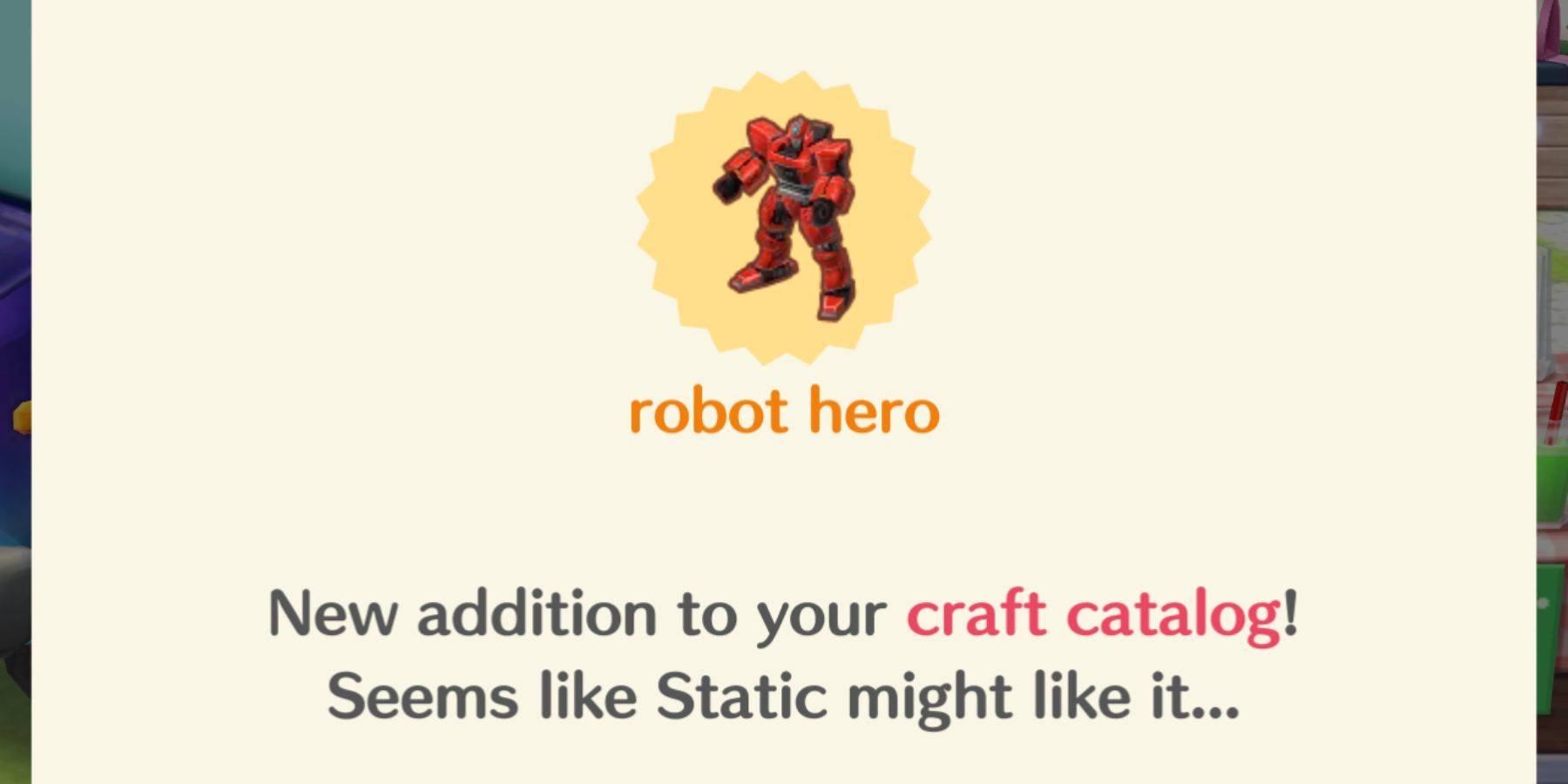
Как только статический достигнет 15 -го уровня, пообщайтесь с ним, чтобы разблокировать мебель -робота для вашего каталога ремесла. Создание этого предмета займет 15 часов и потребует 10230 колоколов вместе с этими материалами:
- x2 Sparkle Stones
- x4 Cool Essence
- X150 Сталь
Где использовать робота -героя
Счастливой родной
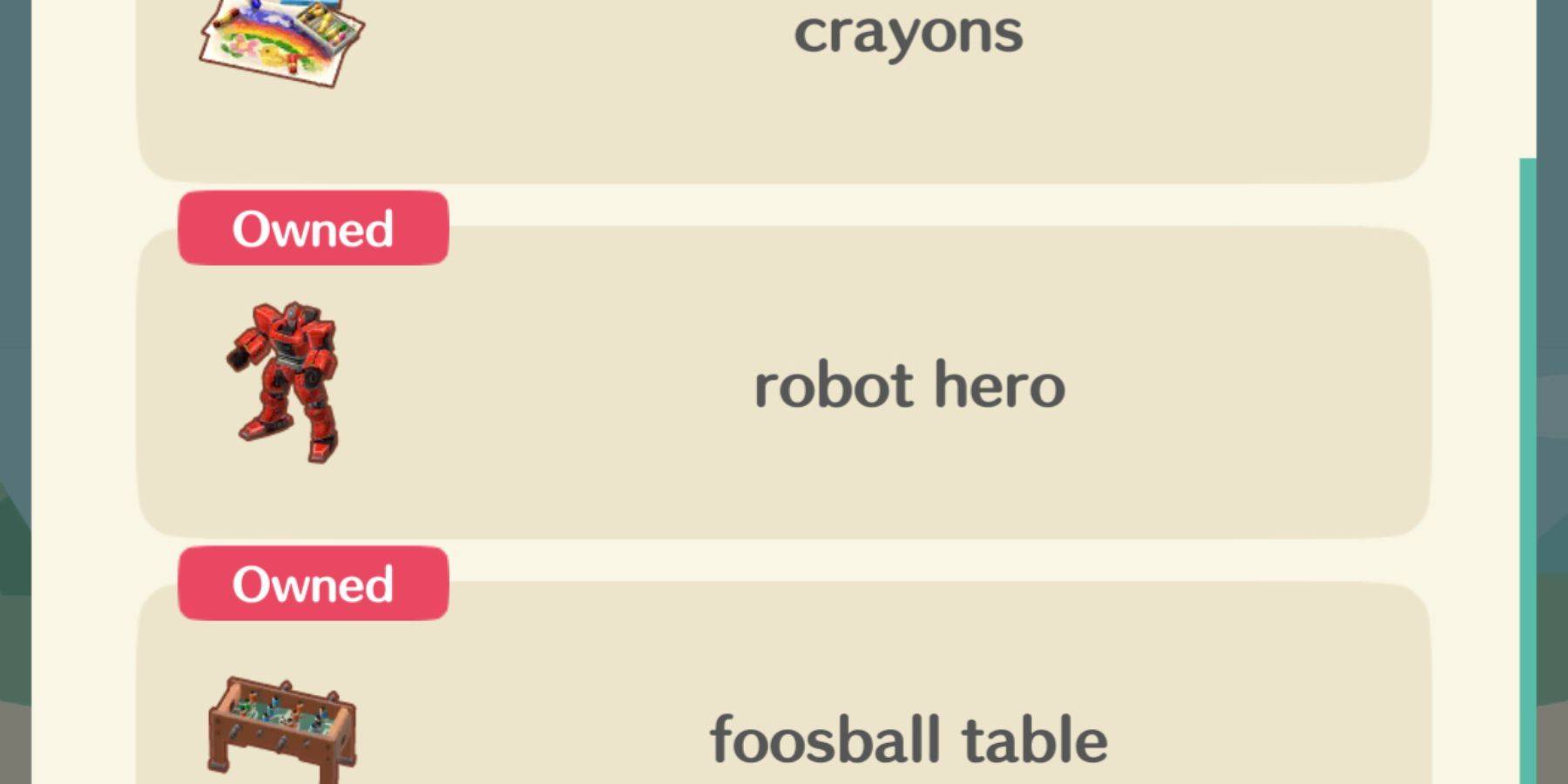 Робот -герой - это существенный пункт 6x6, что делает его смелым заявлением в вашей каюте или в лагерях. Даже если вы не планируете использовать его декоративно, создание необходимо для выполнения специального запроса Static и превосходства в определенных счастливых уроках Homeroom.
Робот -герой - это «рекомендуемая мебель» в следующих классах:
- Детская игровая комната
- Gaming Expo Booth
Последние статьи
Трендовые игры



![Taffy Tales [v1.07.3a]](https://imgs.anofc.com/uploads/32/1719554710667e529623764.jpg)






Главные новости









Последние игры