
Application Description
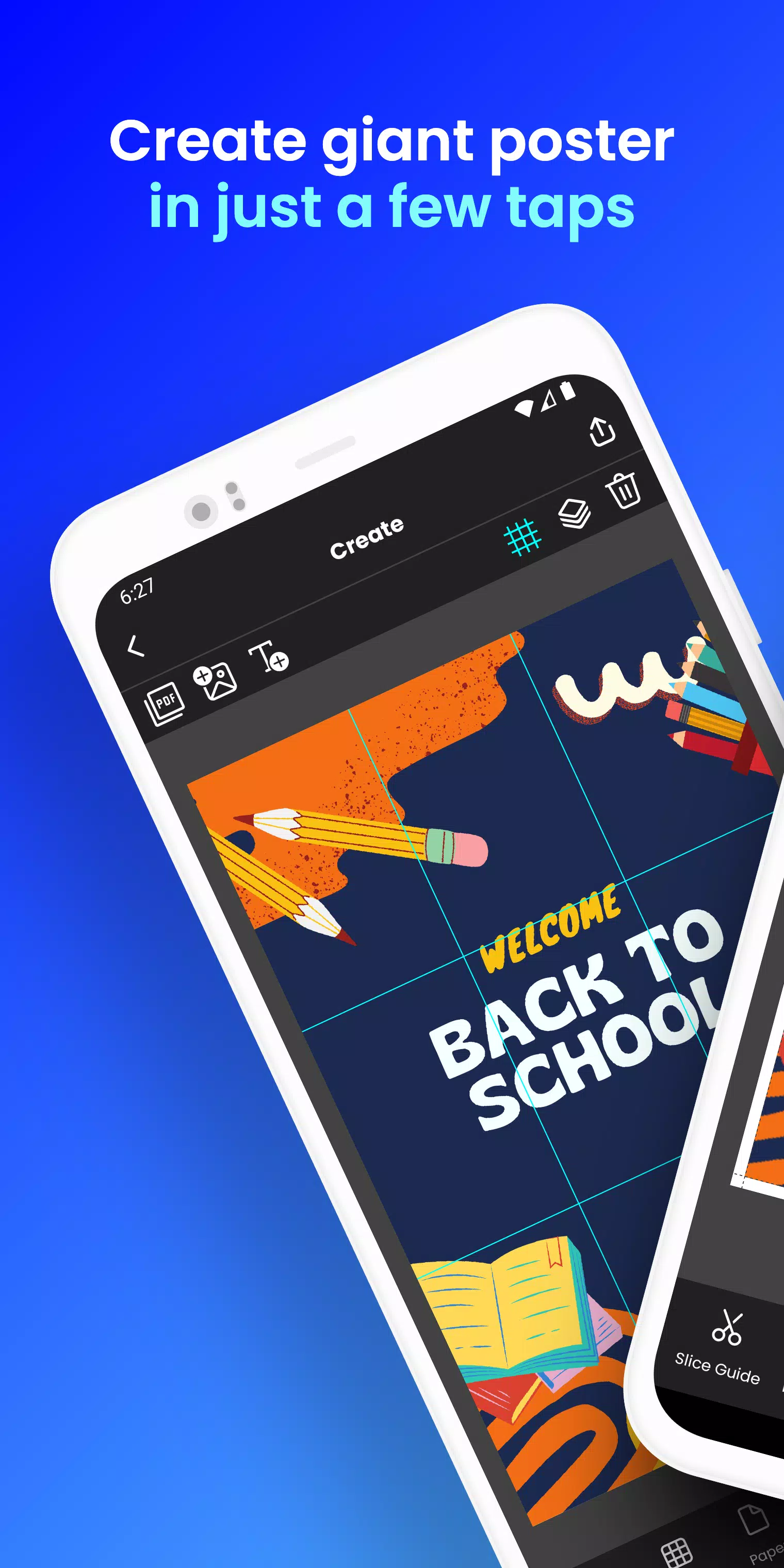
Create giant posters directly from your phone. Design block posters in just a few taps!
Want to produce large-scale posters, banners, or wall art without a professional printer?
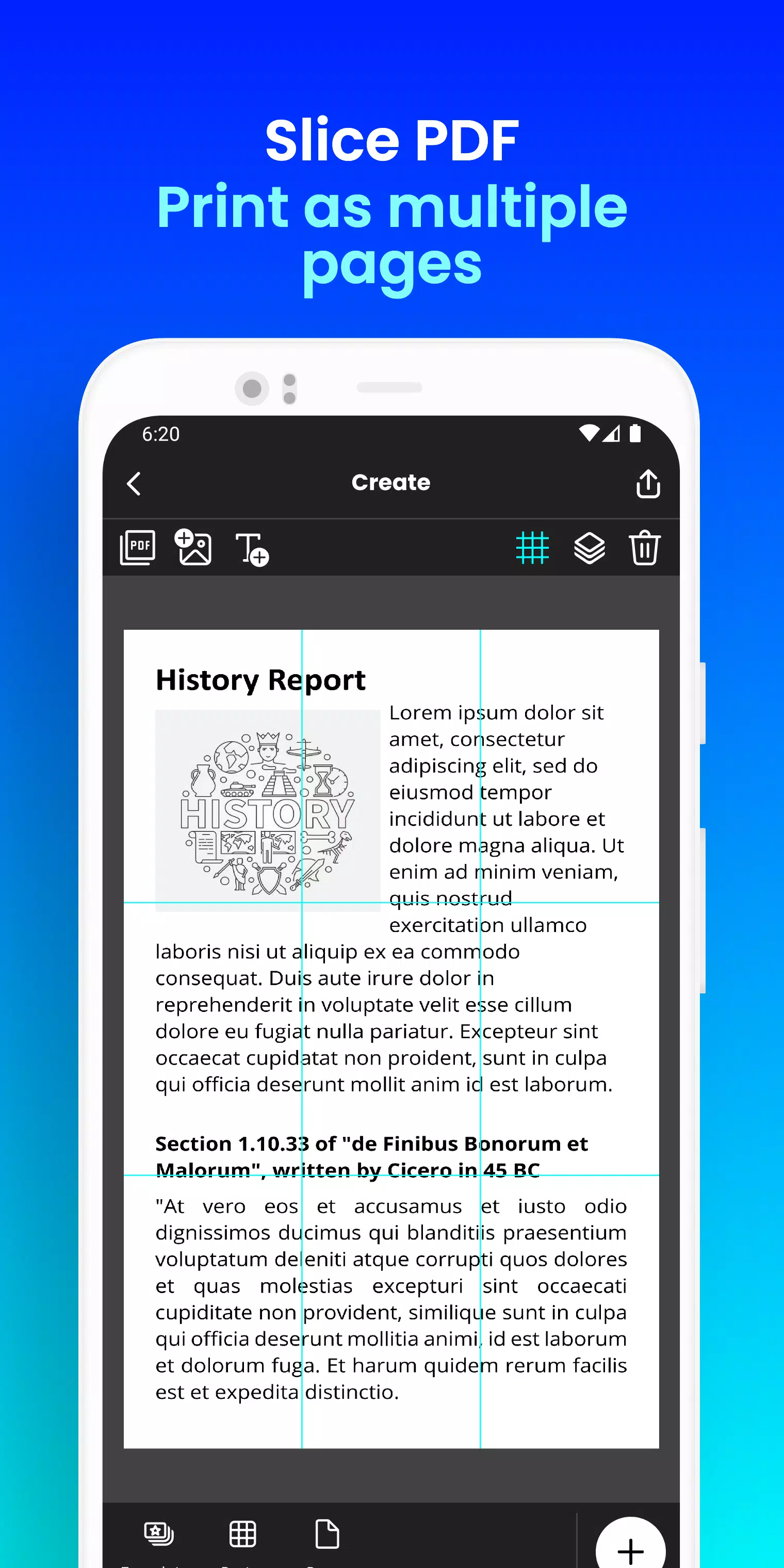
Docuslice converts any image or PDF into a breathtaking, multi-page masterpiece using your standard home printer! Tiled printing has never been simpler!
Here's how it works:
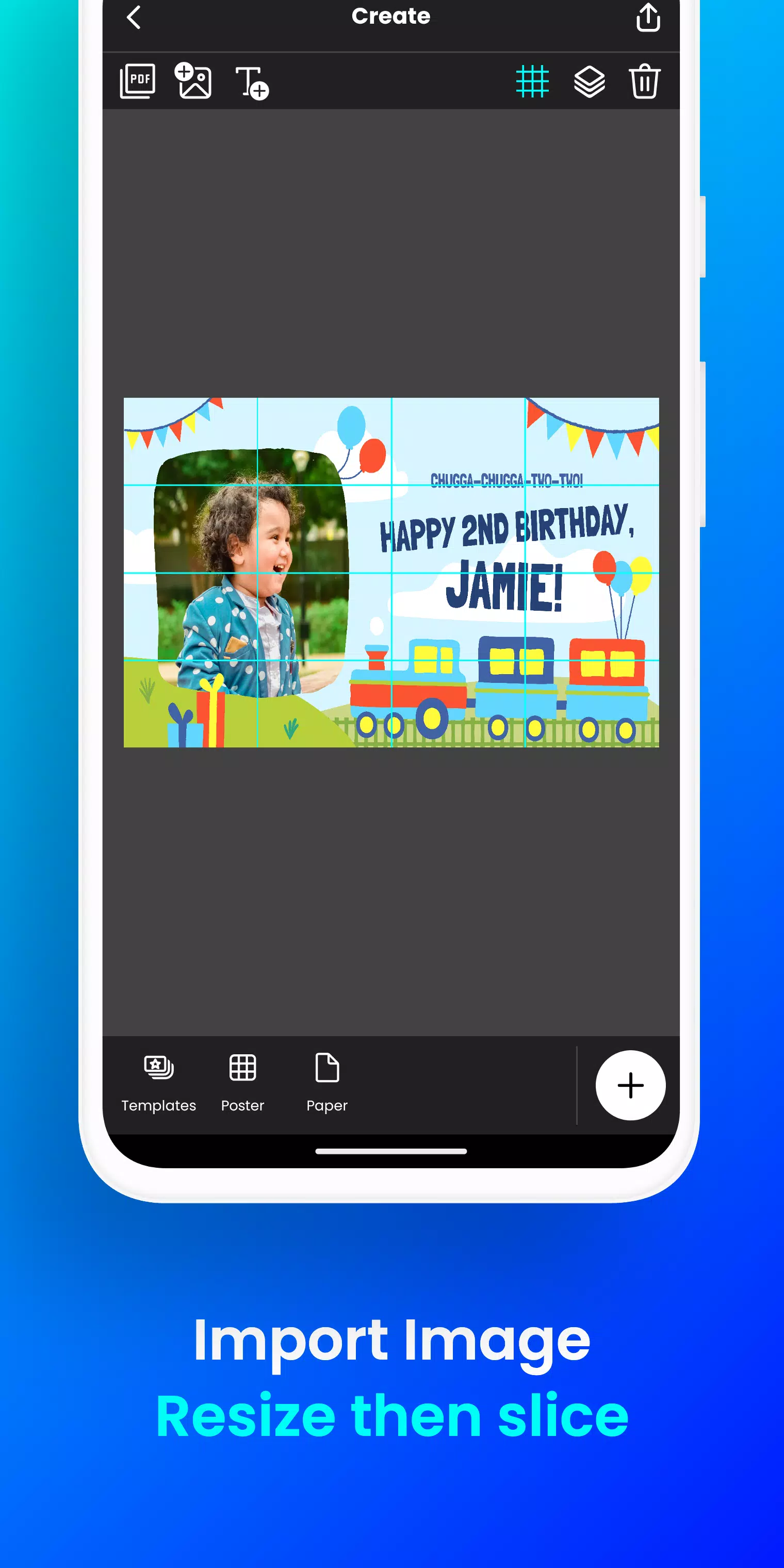
- Simply upload your image or PDF.
- Customize it to your liking: Easily resize and include text.
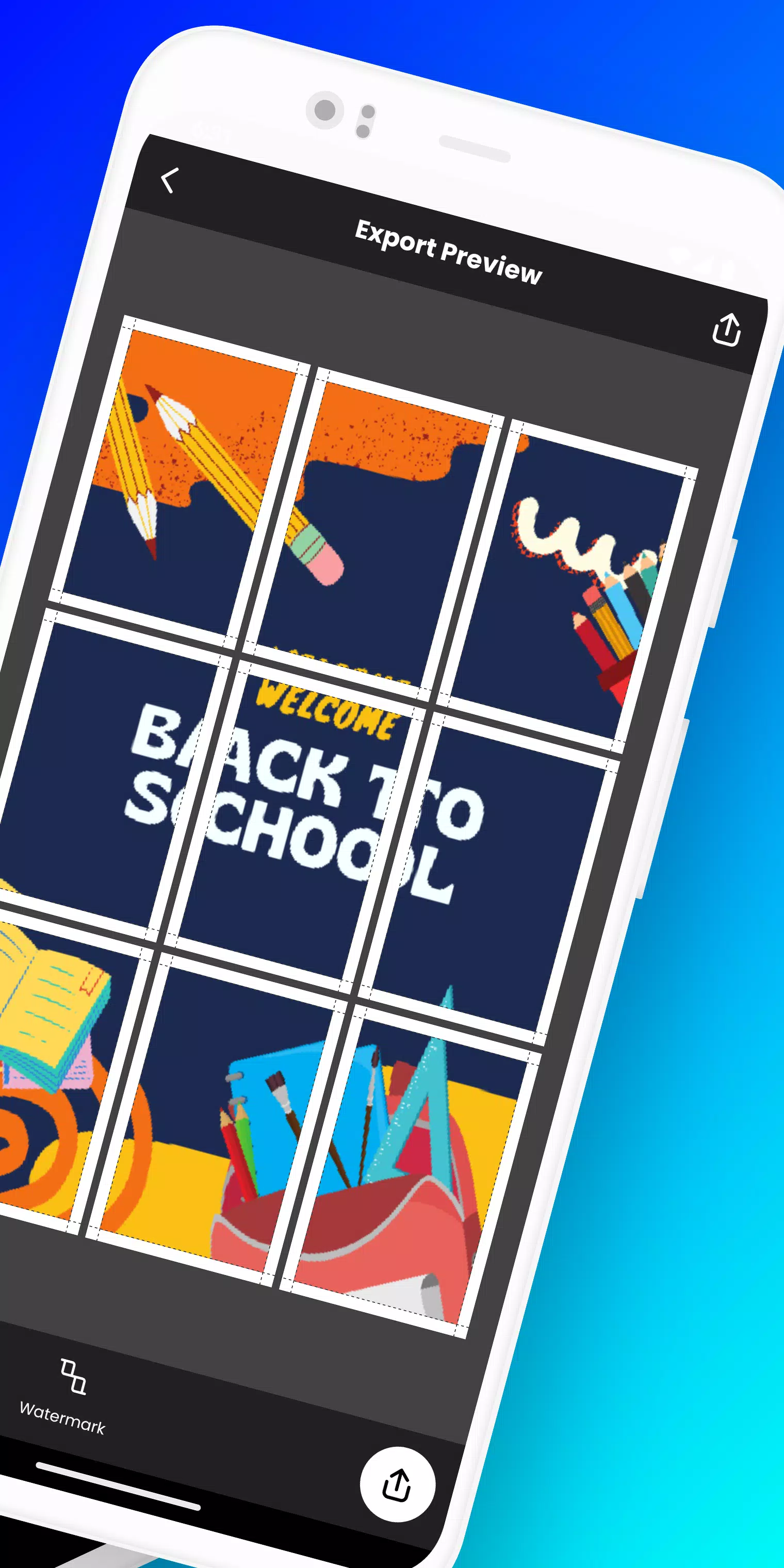
- Docuslice automatically splits your design into printable tiles.
- Print the tiles on any paper size and piece them together to create your giant poster!
Perfect for:
- Attention-grabbing event posters (birthdays, holidays, etc.)
- Educational charts, decorations, and school posters
- Unique wall art for your home or workspace
- Campaign posters that stand out
- Large banners for any event
- Activism and awareness posters
Docuslice is:
- Completely FREE to download and use!
- Super simple to learn and operate.
- Works with any image or PDF format.
- Helps you save on printing expenses.
- Environmentally friendly – eliminates the need for large format printers!
Ready to unleash your creativity and print oversized posters effortlessly? Download Docuslice now!
What's New in the Latest Version 2.1
Last updated on Nov 9, 2024
- Updated authentication to use OTP, replacing password-based login.
- Added a new paper size (A3+ / Super B)
- Included scissor markings as cutting guides, with the option to toggle them on/off from the export preview screen.
- Now fully supports both phones and tablets!
- This release also includes multiple bug fixes and enhancements for better app stability and performance.
- We thank you for your valuable feedback and ongoing support in improving the app.
Screenshot
Reviews
Apps like Docuslice




Trending apps








Top News




Latest Apps


Latest Articles


