

Application Description
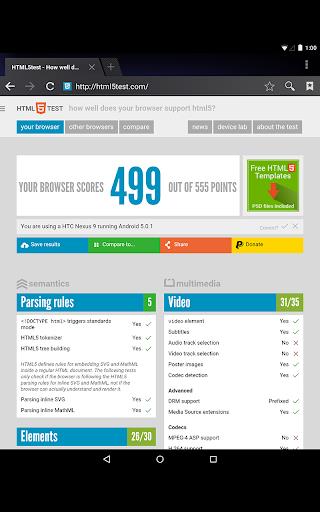
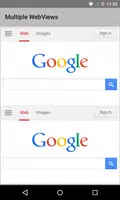
Android System WebView is a core component on Android devices that enables applications to show web content directly. It leverages the Chrome browser engine to render web pages inside apps, delivering a smooth, integrated browsing experience without requiring a separate browser. Keeping it updated boosts security and performance, giving users access to the latest web standards and capabilities.
Features of Android System WebView:
⭐ Seamless Integration: It blends web content naturally into apps, offering a fluid and uninterrupted user experience.
⭐ Security Updates: Regularly updating Android System WebView provides the newest security patches and bug fixes, helping to keep your device protected.
⭐ Chrome Powered: Built on Chrome’s technology, it ensures a quick and dependable in-app browsing experience.
⭐ Resource Efficiency: Designed to be light on resources, it optimizes performance without significantly affecting battery life.
Tips for Users:
⭐ Check for Updates Regularly: Be sure to update Android System WebView often to take advantage of the latest security improvements and bug fixes.
⭐ Clear Cache and Data: Occasionally clearing the cache and data for Android System WebView can enhance performance and resolve potential problems.
⭐ Disable if Necessary: If you face compatibility issues with certain apps, you can disable Android System WebView and switch to using the Chrome browser.
Conclusion:
Android System WebView is a vital system component that enriches the in-app browsing experience. By maintaining it up to date, you benefit from stronger security, better performance, and greater efficiency. Feel free to explore its features and get the most out of this built‑in web content solution for your Android device.
What’s New
Minor bug fixes and improvements. Install or update to the latest version to see for yourself!
Screenshot


Reviews
Apps like Android System WebView














Trending apps








Top News







Latest Apps


Latest Articles


